“Asset data not found, please try again later”
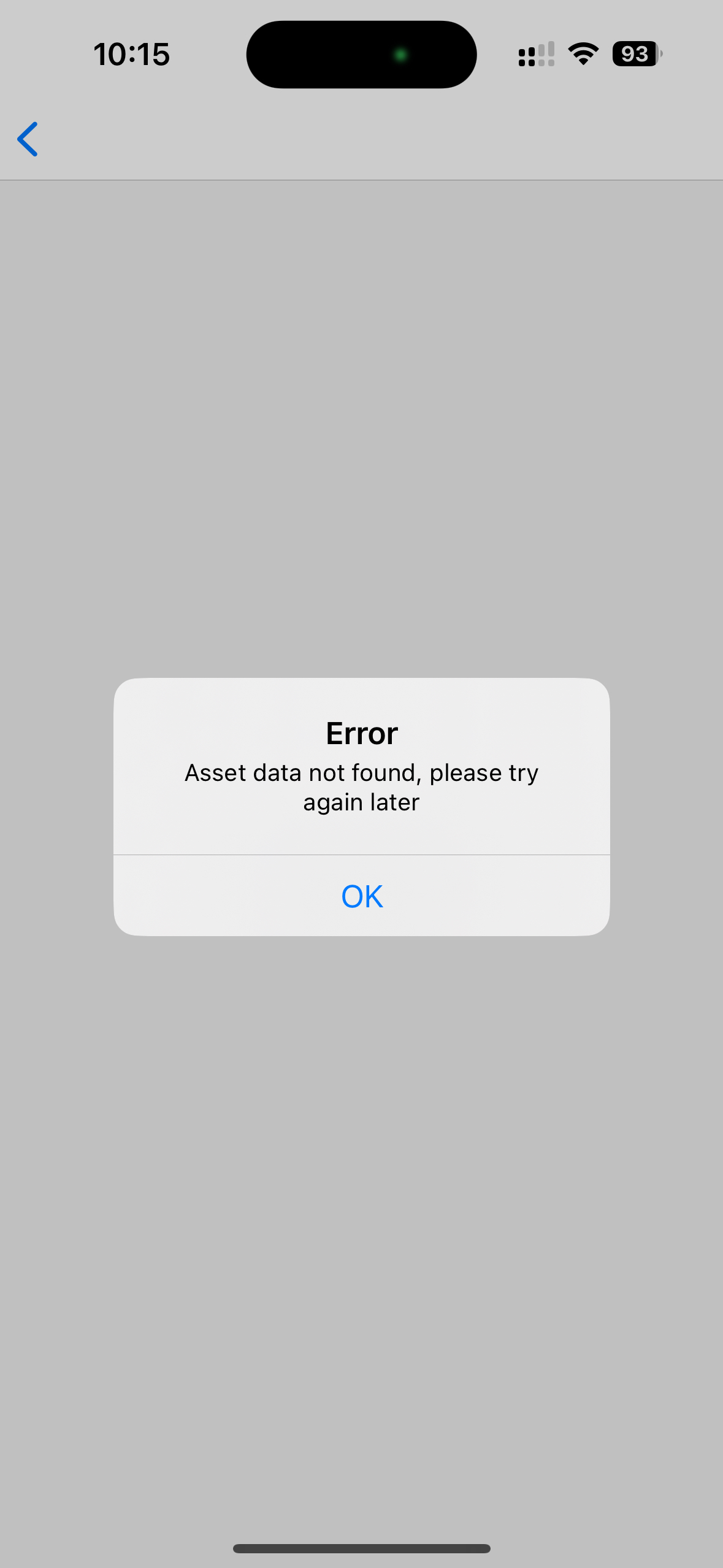
This is most probably when you try to scan a QR code or NFC tag of an asset which you do not have access to right now. This means that for example the asset you are trying to access is not properly assigned to you (your group). The asset is most probably assigned to another group/site in ToolSense that your user is not assigned to.
This error also appears if the entity you are scanning is not available in the account you are currently logged in with.
Please contact a ToolSense admin inside your company who has access to the entity you are trying to access (asset/site/…). They are able to check where that entity is assigned to right now and can also change it so you have access to it.

