ToolSense had been developped to be as user-friendly as possible. But with the amount of features we provide, some processes might not be very straightforward and you might appreciate a bit of support.
Therefore, we have different possibilities to propose you:
Our team wrote a lot of articles to describe our features and guide you throughout your ToolSense journey.
You can access them very easily:
By checking our Help Center, when you can search for the relevant article, thanks to the Categories.
By asking a question to Kai in our chatbox (that you find at the bottom right corner of our platform)
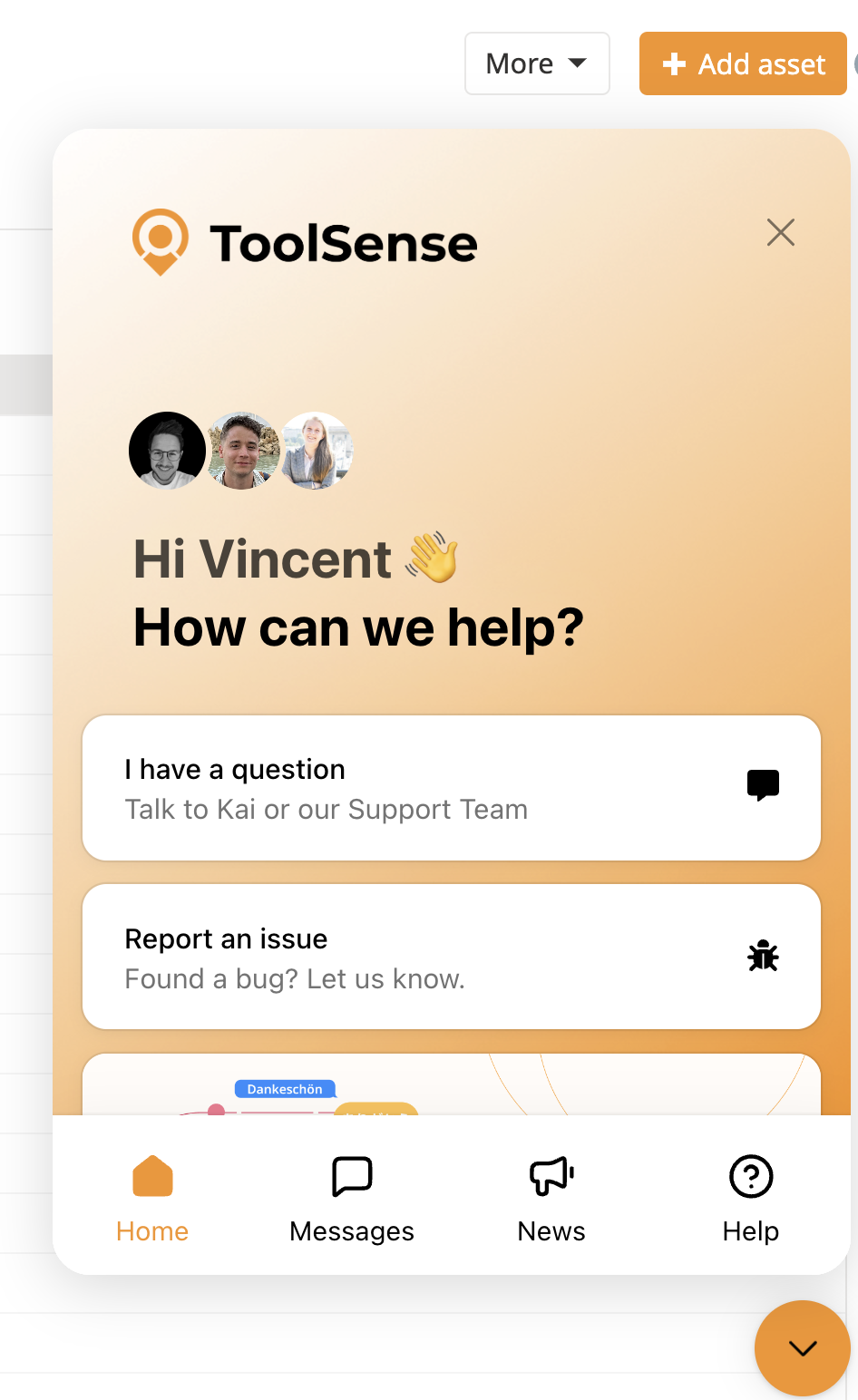
If Kai didn't successfully reply to your question, you can get in touch directly with our team by clicking on "Talk to our support team"
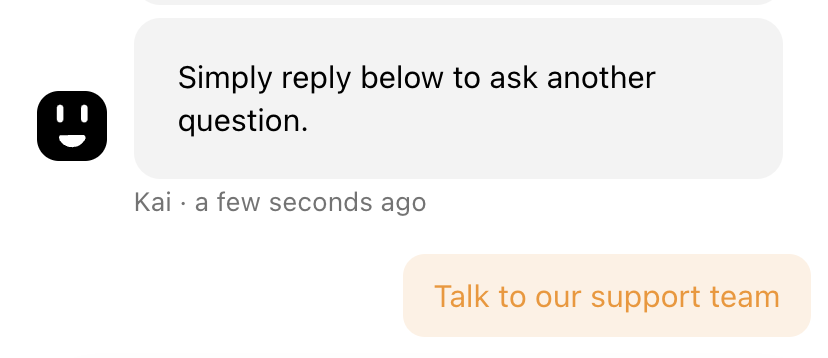
We have a Team of Customer Success Managers who will be very happy to help you out. We can support you in the chat, but we can also jump on a call to help you directly.
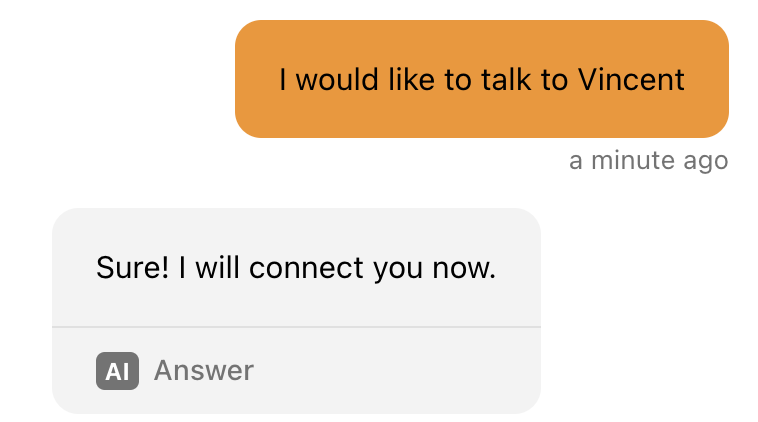
You can use the Chat and ask to talk to a person. We invite you to explain what you would need from us, so we understand your request when we are available.
You can send us a mail to support@toolsense.io with the details of your request
We have a team working every day to develop new features and make our platform more stable for your utilization. However, it can happen that a new feature doesn't work as expected, or that your IoT trackers don't send data
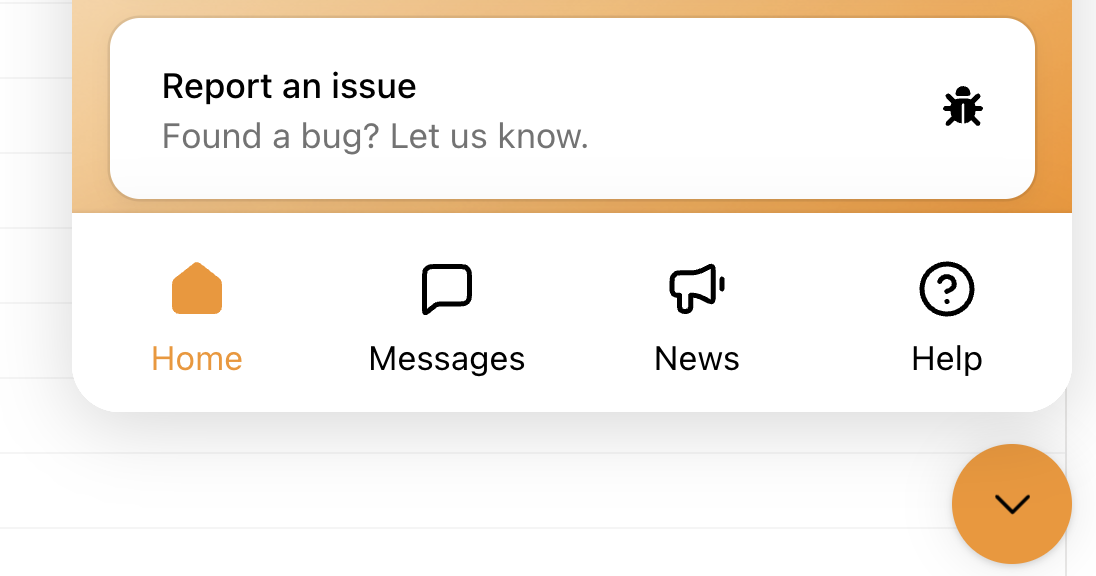
You can use the little chatbox on the bottom right corner of the platform and select "Report an issue". You then have the possibility to take screenshots or make video recordings that will be sent in the message.
You can write us a mail to support@toolsense.io
In both situations, we invite you to be as specific as possible when you contact our Support Team for a bug or a situation you are facing that doesn't work as you expect.
The more information we get, the quicker we understand your request and the quicker we can fix it / give you a clear answer.
Therefore, any of the following are welcome:
Asset ID
Site ID
Screenshots or video recording (included in the Chatbox - Report an issue)
Name of the Service used
...
We wish you a great journey on ToolSense !
