
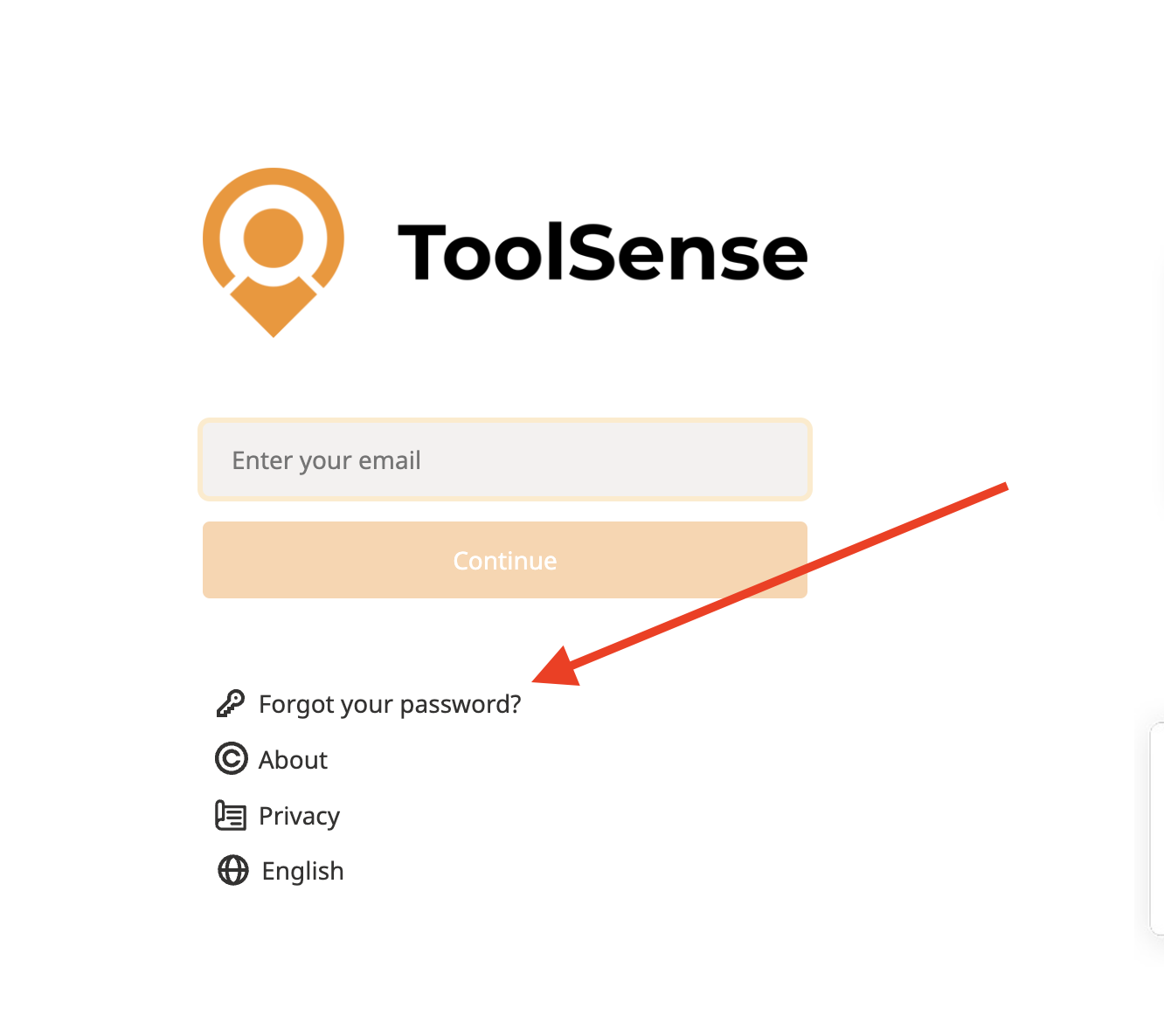
Head over to my.toolsense.io and click on “Forgot your password?”
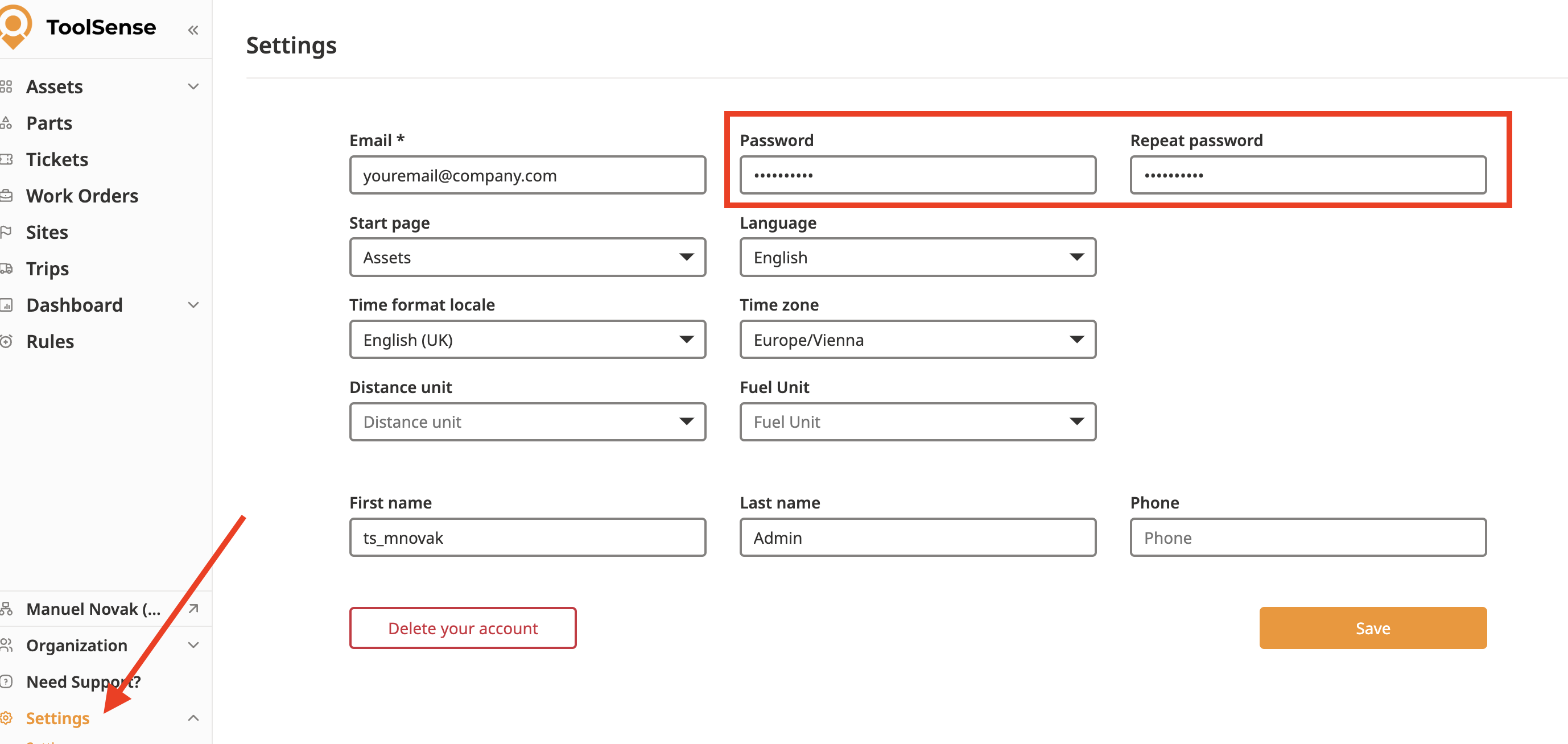
If you don’t see a login page that means you are still logged in and can change the password directly in your user settings.
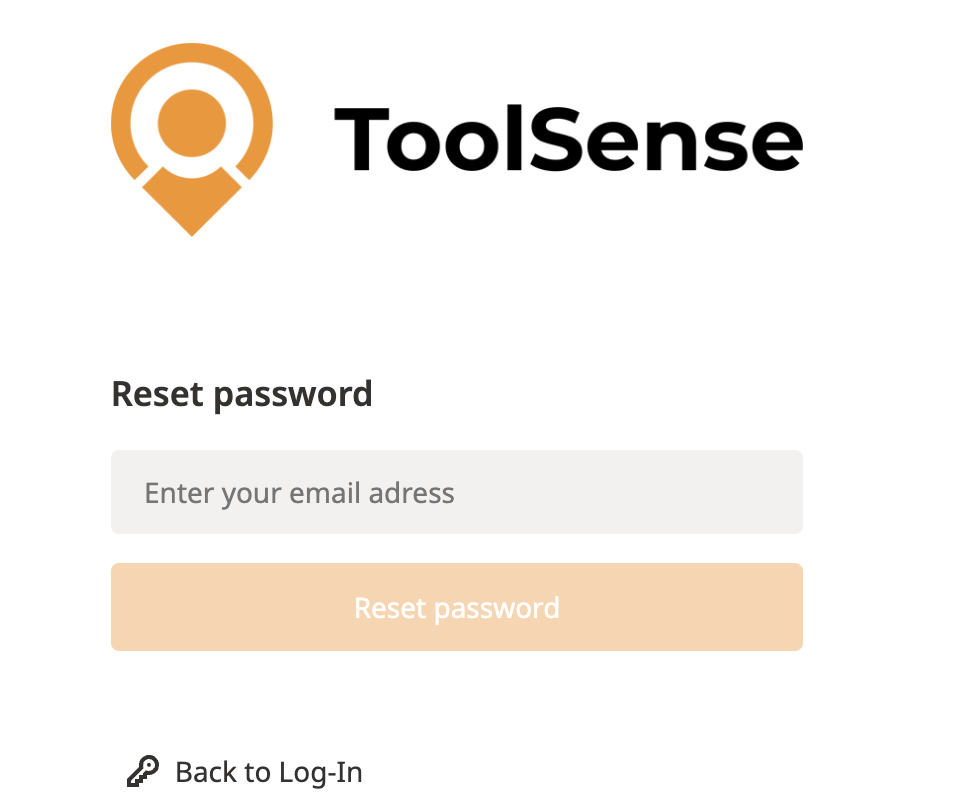
Enter your email address and click on “Reset Password”
You will receive an Email with a link to set your new password.

 Make sure use the link as long as the link in the email is valid. It will expire after a few hours
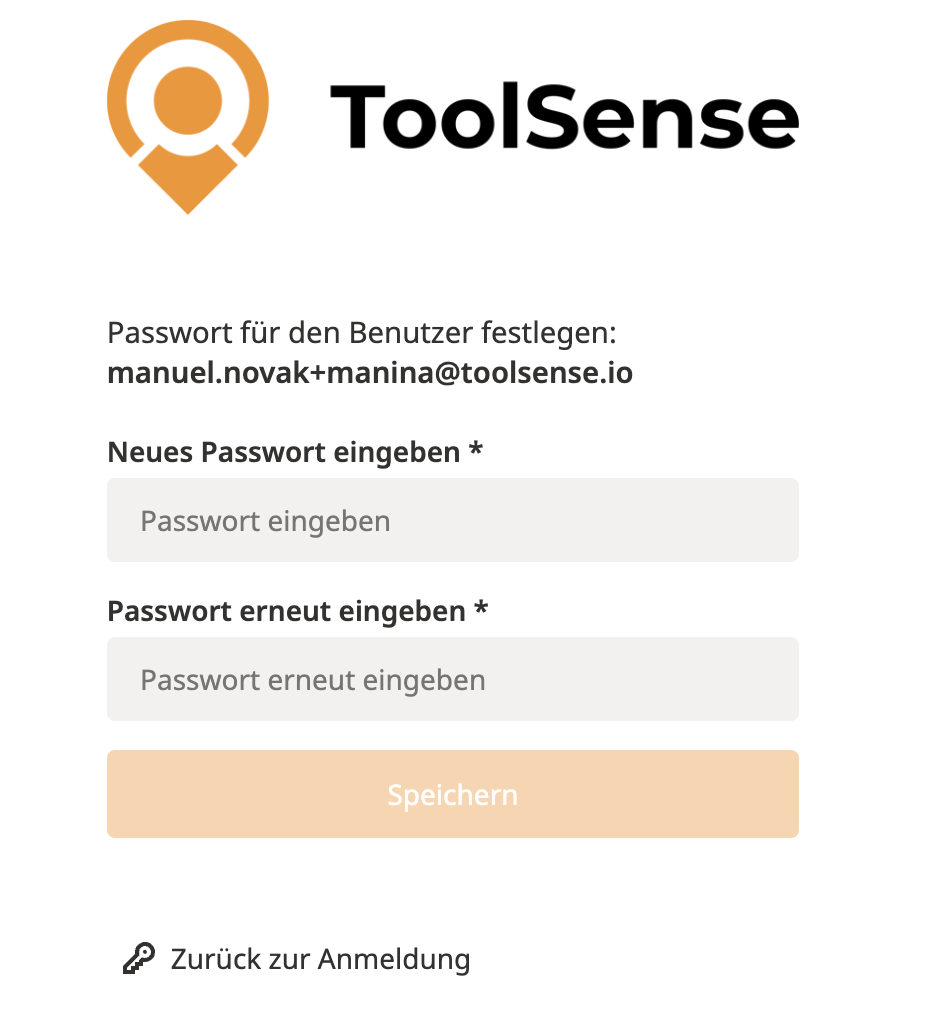
Type in your new password and click Save
Now head over again to the login page at my.toolsense.io and login with your new password  !
!
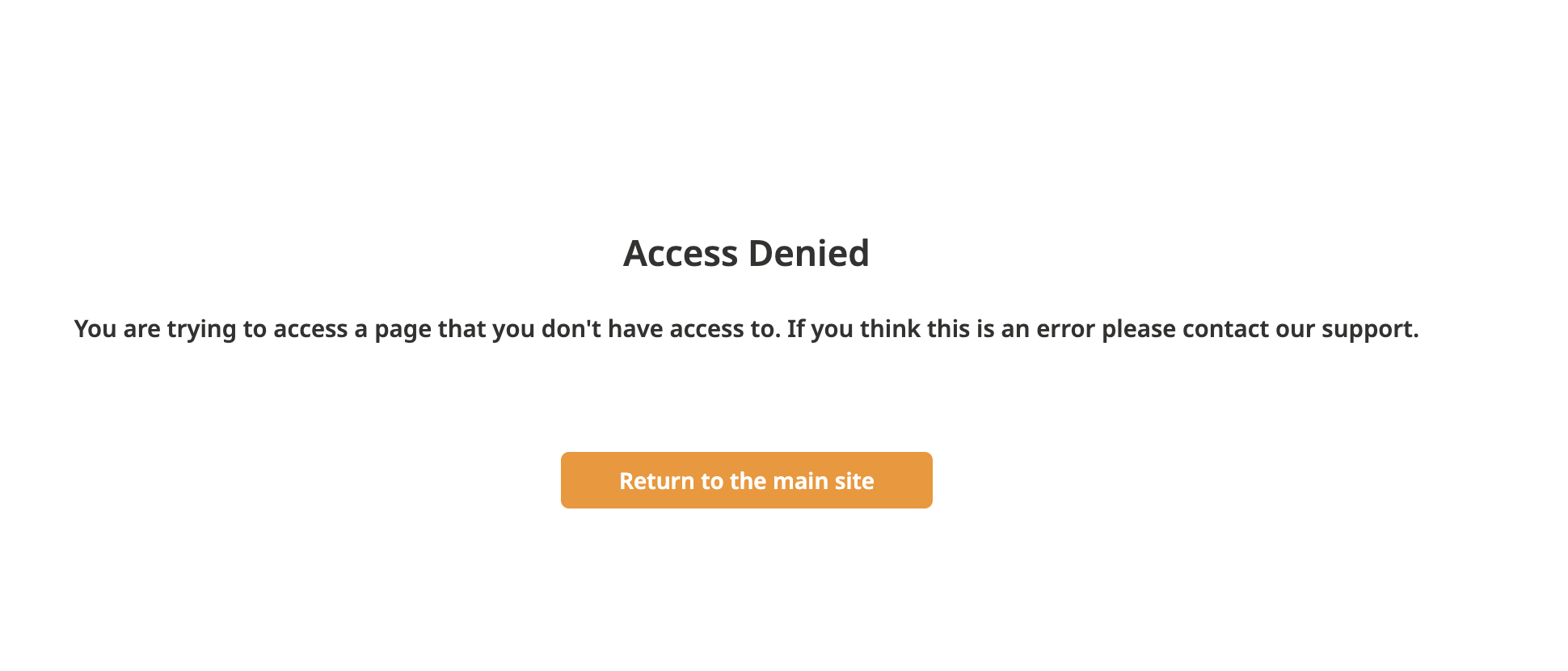
If you see a page saying "Access Denied" while trying to reset your password it means you are still logged in. Please go to my.toolsense.io, logout first and then you can reset your password.
If you got invited to ToolSense for the first time but the link to set your password has expired, please contact your ToolSense Admin. They can send you a new email invitation.
