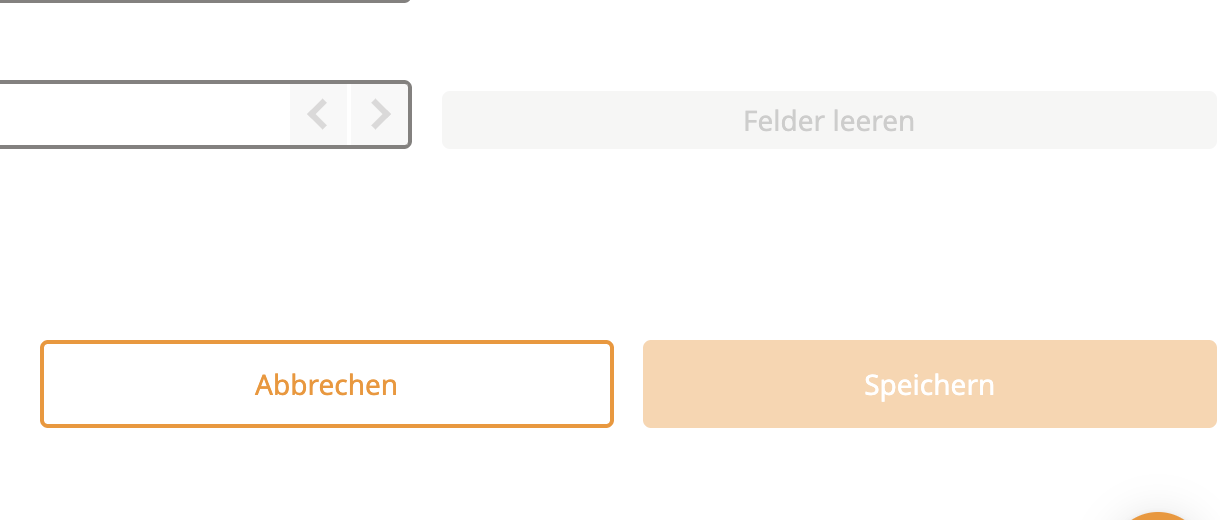
If the "Save" button is inactive or greyed out, here’s how to troubleshoot:
Check Required Fields
Ensure all fields marked with an asterisk (*) are filled out. These are mandatory for saving.
Validate Your Input
Verify that all data entered is correct and in the expected format. For example:
Email fields must contain a valid email address (e.g., user@example.com).
Numbers should not include letters or symbols.
Still Having Issues?
Double-check all fields for completeness and accuracy.
If everything seems correct but the issue persists, try refreshing the page and re-entering your data.
If the problem continues, please reach out to our support team for help.
