Open the ToolSense Mobile App.
Access the QR Code Scanner:
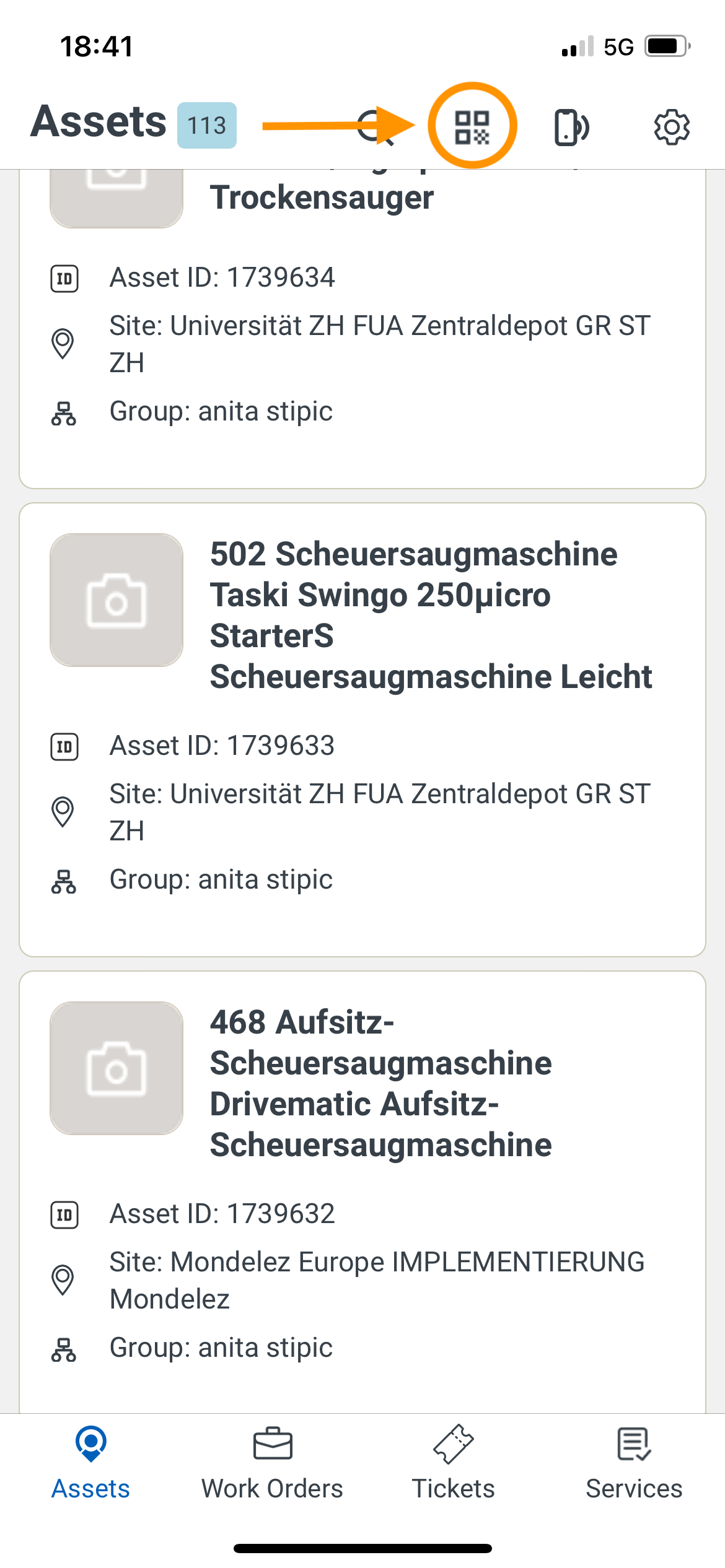
Tap the built-in QR code scanner located on the top navigation bar.
Scan a Blank QR Code:
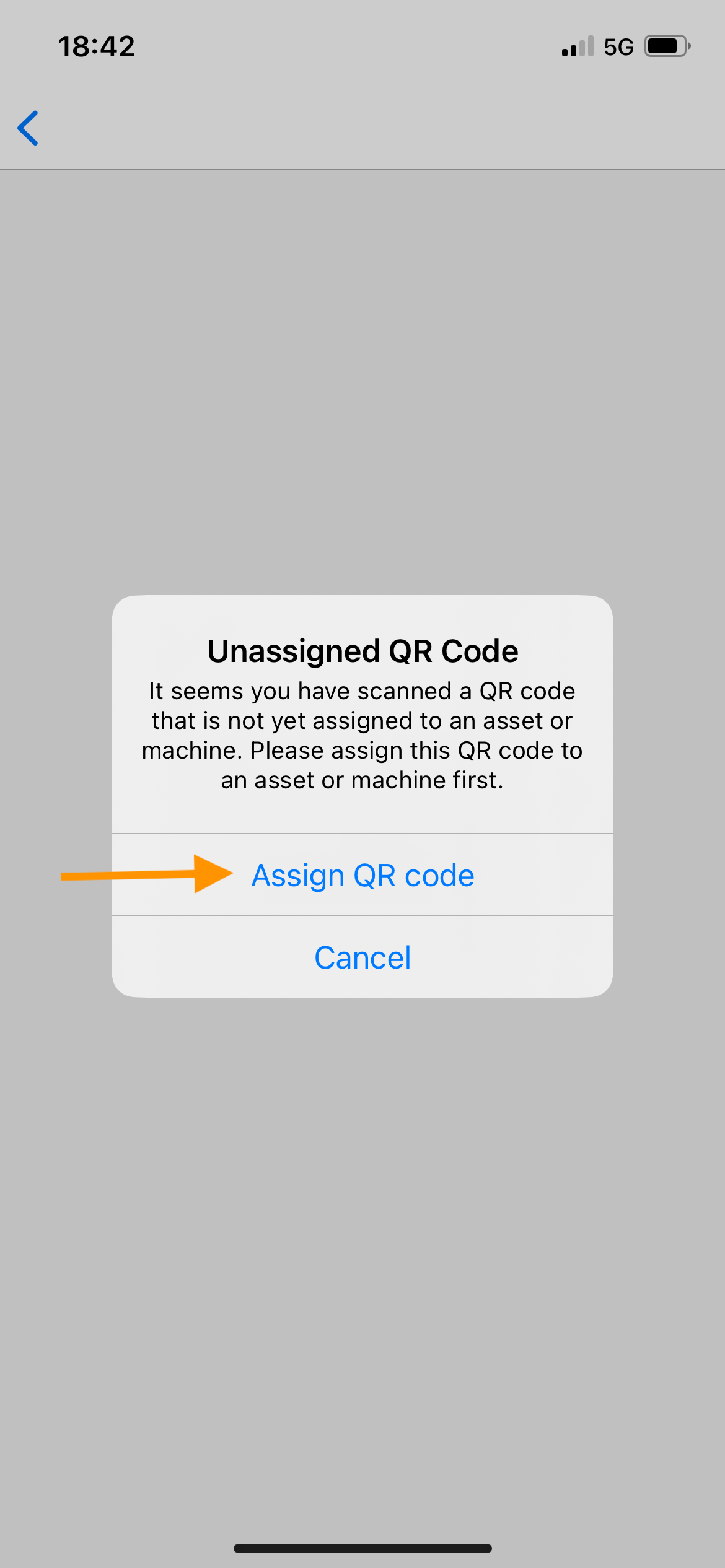
Use the scanner to scan a blank QR code and click on Assign Asset. (Refer to this article for more information on generating blank QR Codes)
Search for the Asset:
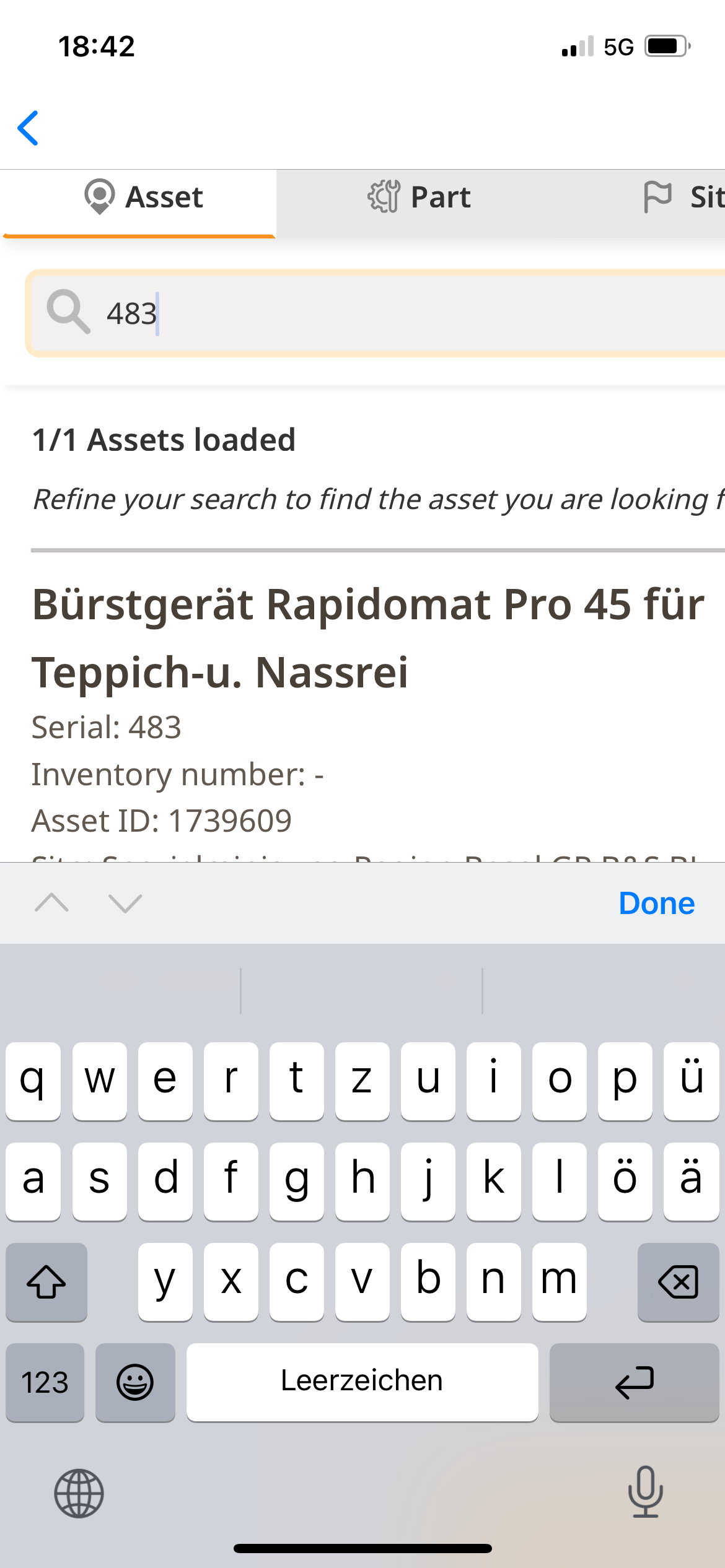
Use the search bar to find the asset you want to assign the QR code to.
You can search by entering details like the serial number.
Once located, select the asset.
Confirm Assignment:
Tap “I Confirm” to finalize the assignment.
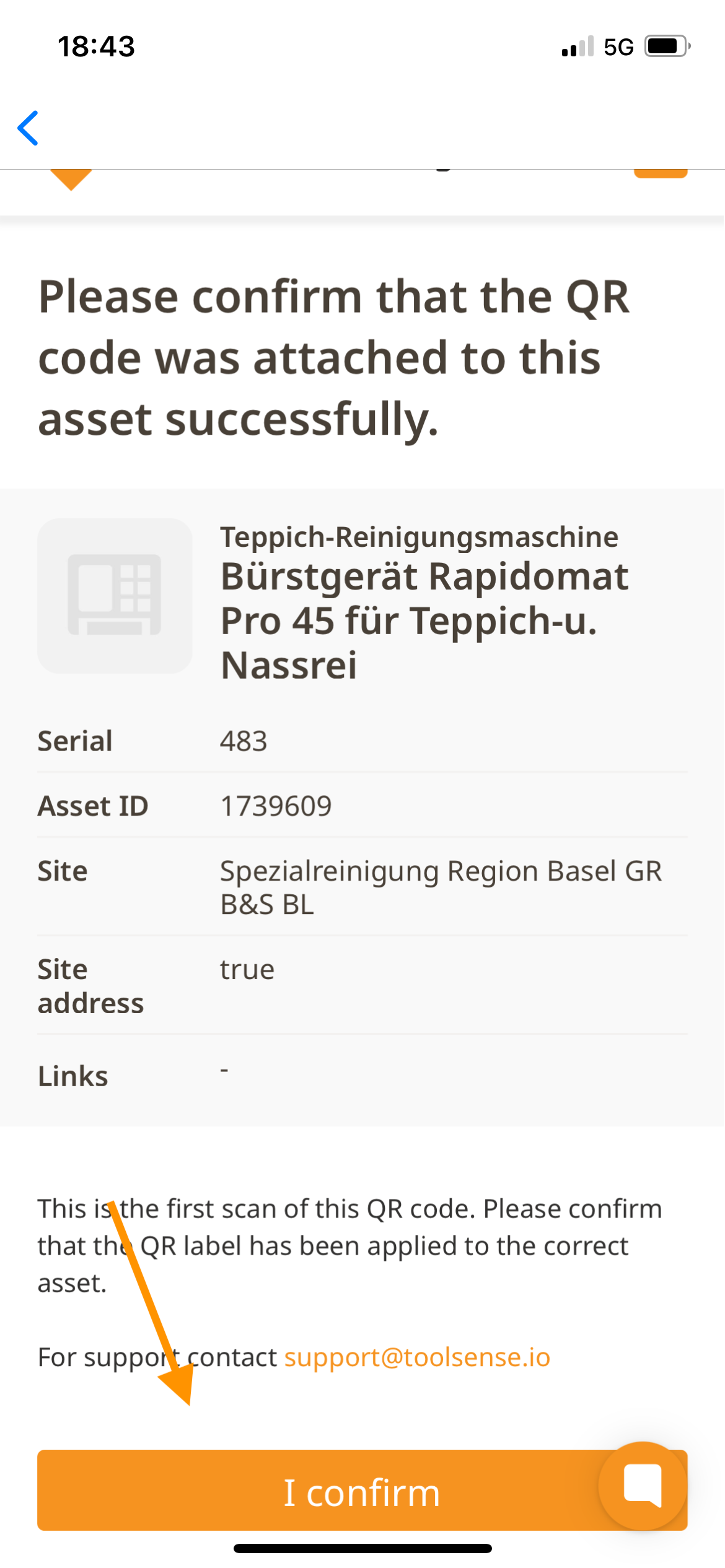
And that’s it! Your QR Code is now successfully assigned to the asset. 

