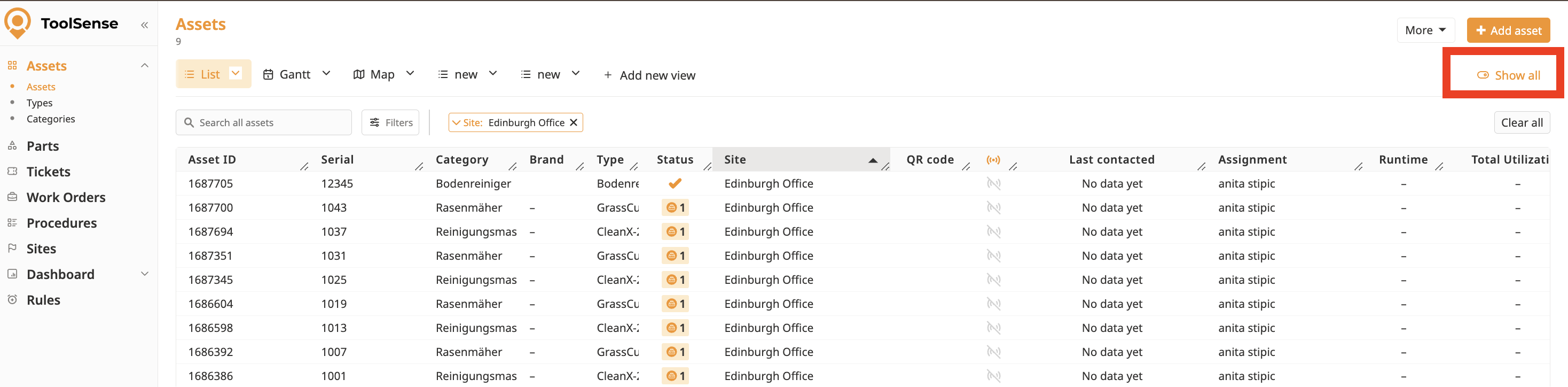
Sometimes, you might not need to see all the views you have access to. In such cases, you can easily deactivate or hide a view for yourself.
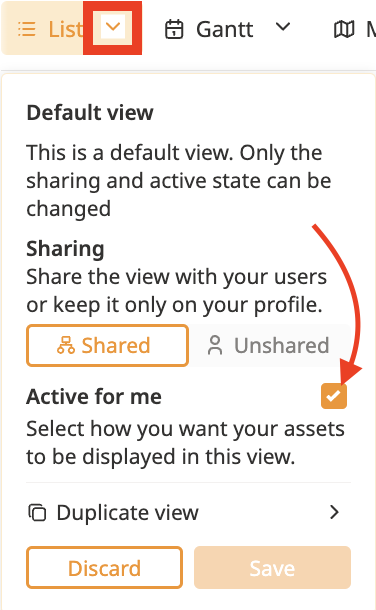
Click the Arrow next to the view you want to manage.
Check the box labeled "Activate for me" to deactivate the view for yourself.
Click Save to confirm your changes.
Click the "See All" toggle button to see all views (including hidden ones).
To unhide the view:
Click the Arrow next to the view you want to manage.
Uncheck the "Activate for me" box.
Click on Save.