Navigate to your desired service
Click on the Edit button (pen) of your service
On the Update Service page, click the small globe icon.
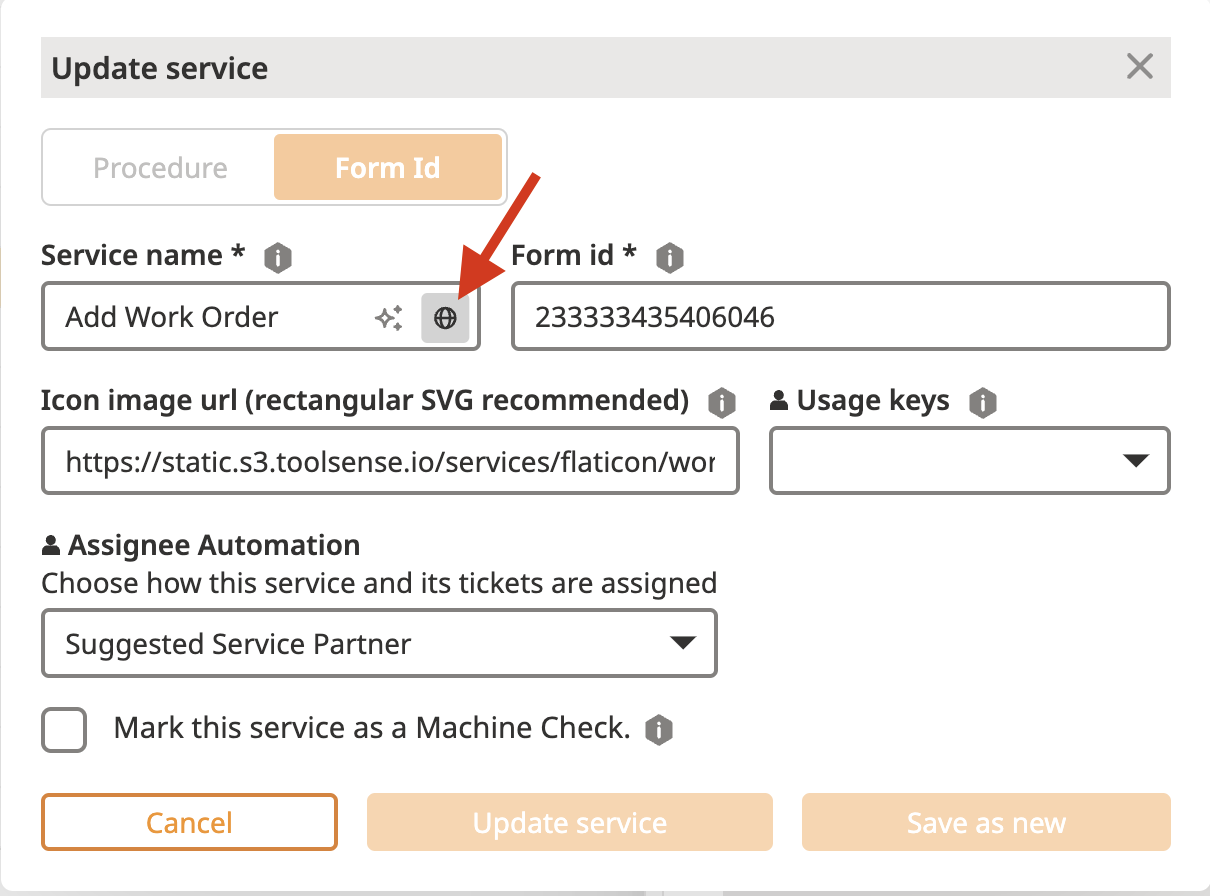
Select the language in which you want to provide or update the Service title.
If a translation exists, you can modify it. If it’s empty, enter a new translation.
Click Update Service to save your changes.
To learn more about how to translate the form itself, please refer to the article below.

