In ToolSense, you can set for each user whether vehicles (that is, assets marked as such) are visible. This setting is independent of the trip module and can be made either for yourself or other users.
Here's what you do:
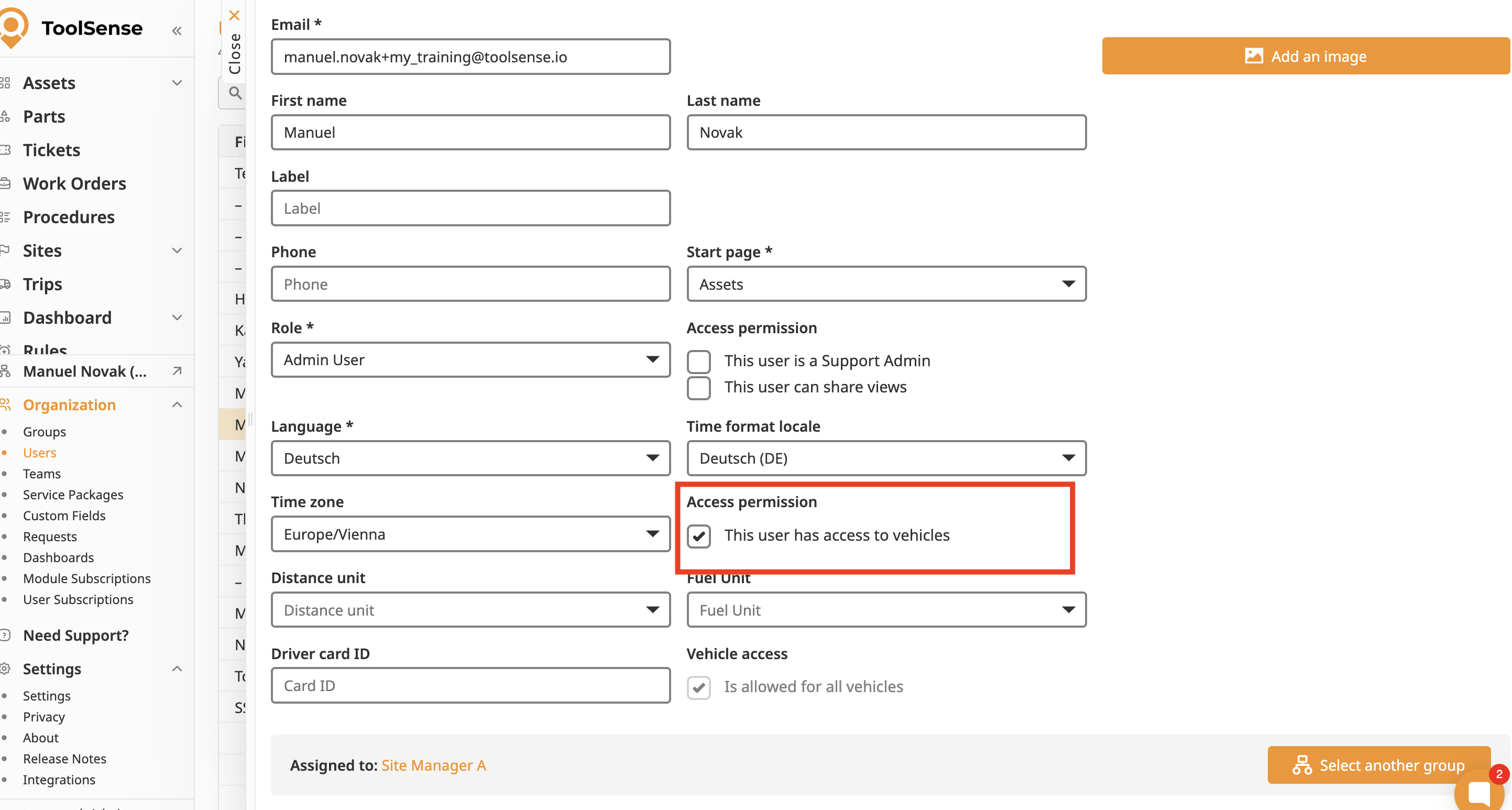
Go to Organisation → Users
Open either your own user or another user
Turn on or off the “Access to vehicles”
If the option is on, vehicles are visible in the asset menu – if it's off, they're completely hidden
Note:
This setting only affects assets that are marked as vehicles – no matter if the user has access to the trips module or not.
