
To add an Asset using our Mobile App you need Blank QR-Codes.
Don’t have them yet? Here’s how to get them:
How To Generate Blank QR Codes
How To Download New QR Codes
Open the ToolSense Mobile App.
Access the QR Code Scanner:
Tap the built-in QR code scanner located on the top navigation bar.
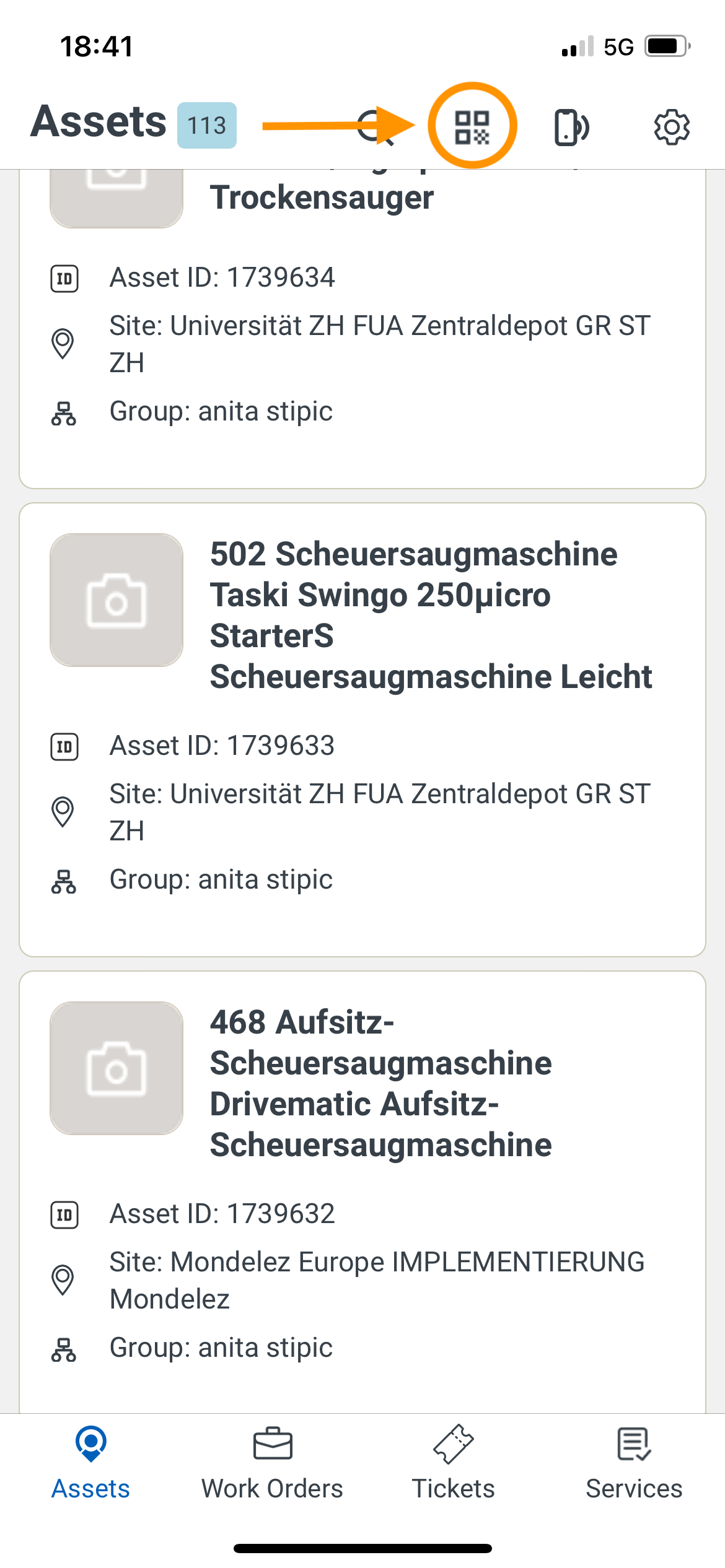
Scan a Blank QR Code:
Use the scanner to scan a blank QR code.
Assign and Add the Asset:
Tap "Assign QR Code".
Then, select "Add Asset".
Fill Out the Form:
Complete all required fields, including:
Serial Number
Asset Type
Category
Add a picture of the asset.
Add the Asset:
Once the form is filled out, tap “Add Asset”.
Note:
If the "Add Asset" button is unavailable, ensure all mandatory fields are properly filled out. Missing or incorrect information may prevent the submission.
