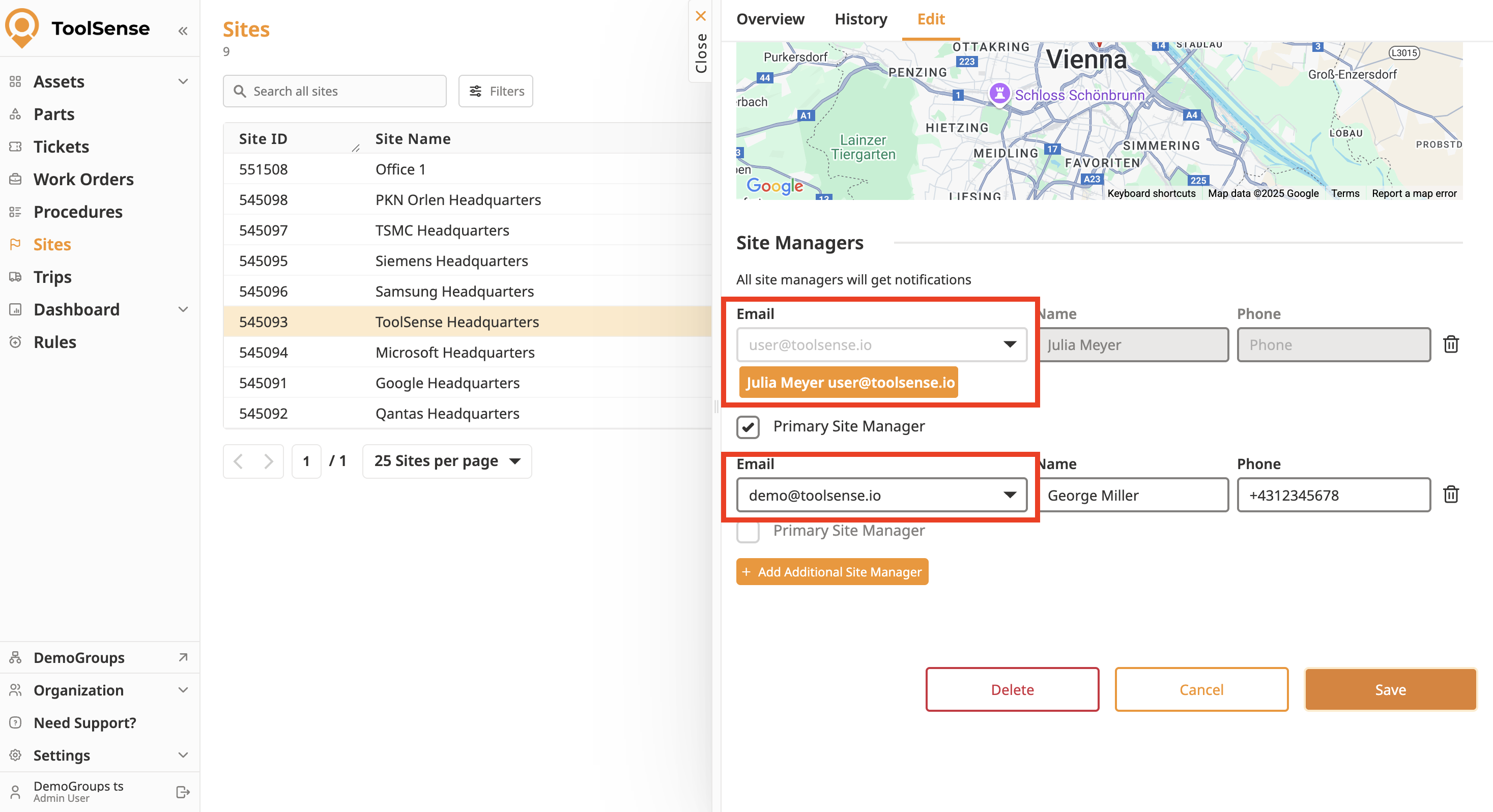
Weekly summary emails are sent to your site managers every Monday morning. You can assign multiple site managers in your site settings, and each will receive the notification. To learn more about sites and site managers, refer to the article below.
The weekly summary will look something like this 
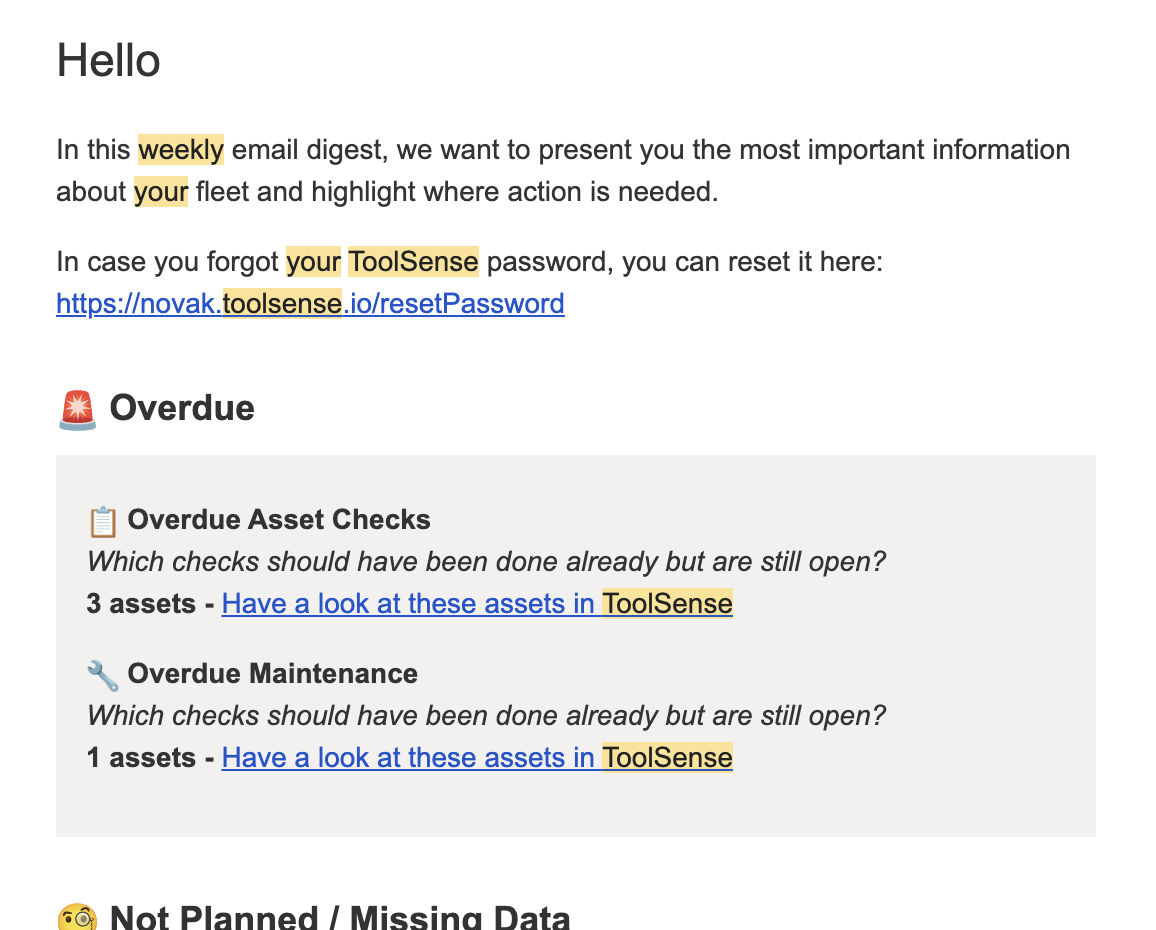
Assets with leasing end dates exceeded.
Assets with leasing end dates this month.
Assets with leasing end dates this week.
Assets with leasing end dates upcoming.
Assets with no leasing end date.
Assets with rental end dates exceeded.
Assets with rental end dates this month.
Assets with rental end dates this week.
Assets with rental end dates upcoming.
Assets with no rental end date.
Assets with warranty end dates this week.
Assets with warranty end dates this month.
Assets with warranty end dates upcoming.
Assets with no warranty end date.
Assets with service contract end dates exceeded.
Assets with service contract end dates this week.
Assets with service contract end dates this month.
Assets with service contract end dates upcoming.
Assets with no service contract end date.
Assets requiring a check (overdue check).
Assets that need to be checked this week.
Assets that need to be checked this month.
Assets with checks upcoming.
Assets with no check planned.
Assets requiring maintenance (overdue maintenance).
Assets that need maintenance this week.
Assets that need maintenance this month.
Assets with maintenance upcoming.
Assets with no maintenance planned.
Retired assets.
Borrowed assets.
Damaged assets.
Assets in the warehouse.
Assets in repair.
Assets in transit.
Ready to use assets.
Ordered assets.
Assets needing approval.
Assets with no action required currently.

To unsubscribe from the weekly site manager email, you must remove yourself as a site manager.
