ToolSense provides a streamlined way to record and manage expenses related to your assets, such as fuel, repairs, spare parts, and more. Follow these steps to effectively handle operating cost entries:
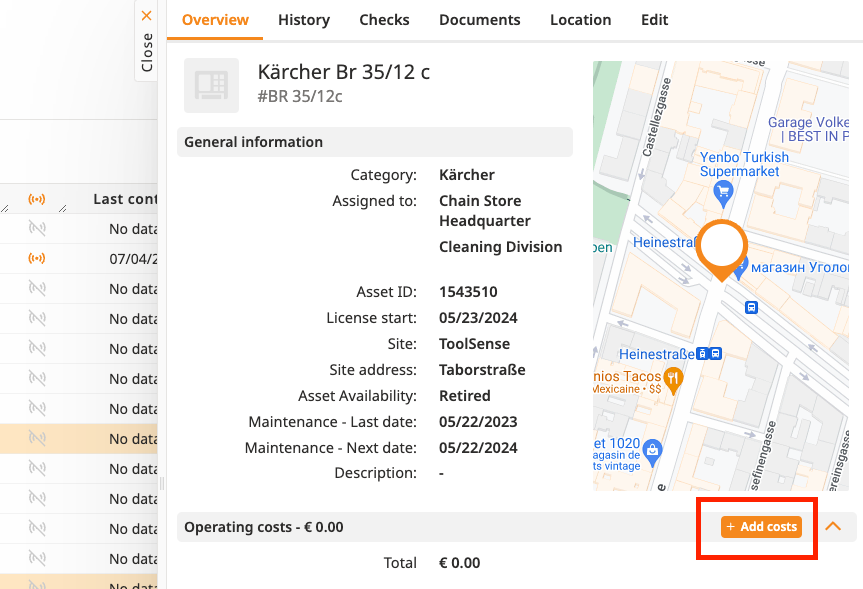
Navigate to the specific asset page to record the expense directly related to it.
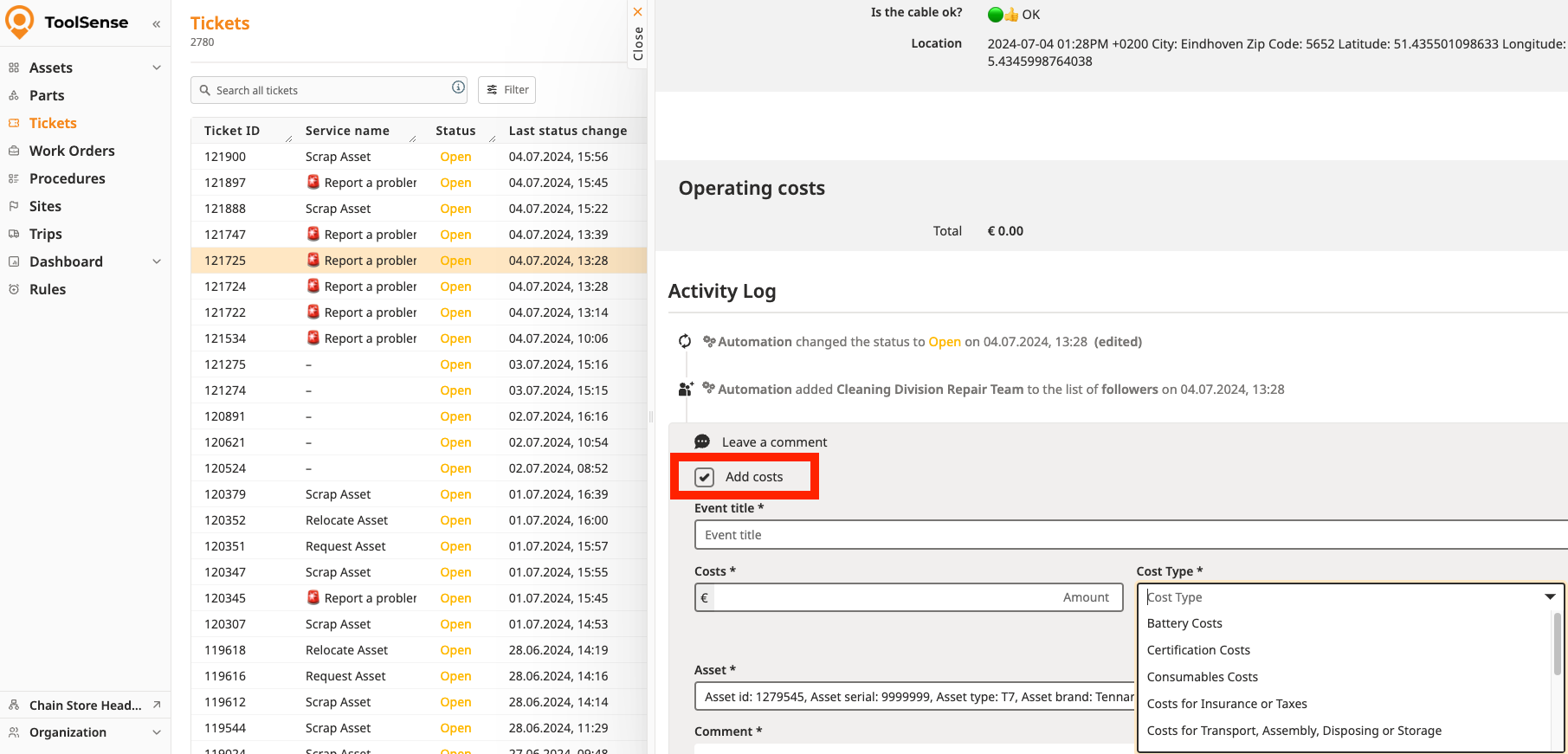
Add a cost entry as part of a ticket to ensure it is tied to a specific maintenance or repair task. Once added to the ticket, the costs will automatically be added to the linked asset as well.
Access the Asset History:
Go to the asset's history to locate the cost entry you want to modify.

Find the Entry:
Identify the specific line in the history corresponding to the incorrect cost entry.
Take the Appropriate Action:
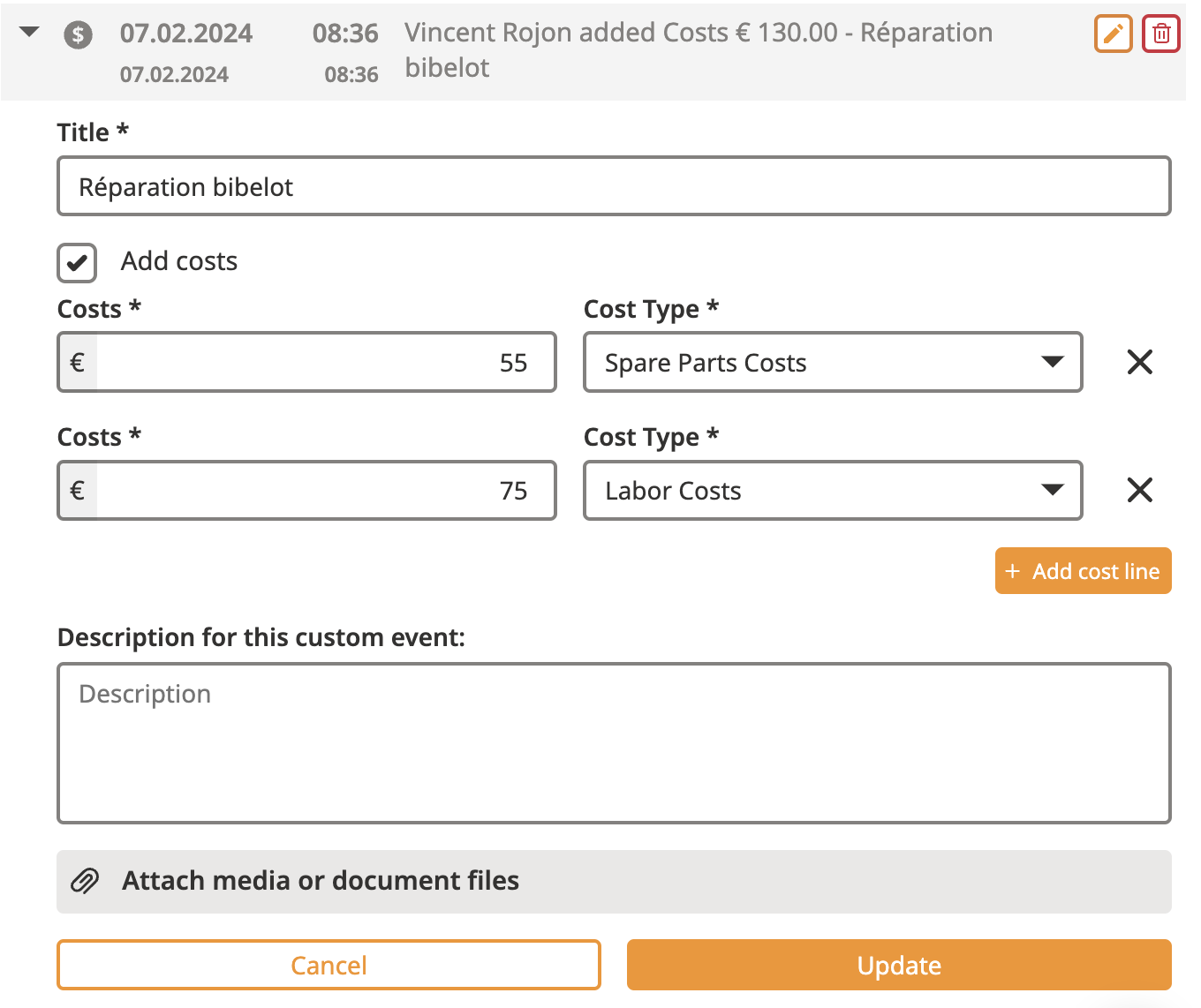
Edit:
Click the Edit button (on the right side of the entry).
Modify the necessary fields and save your changes.
Erase:
Click the Erase button (on the right side of the entry).
Confirm the deletion by clicking the red Erase button that appears.

When you export the Asset list, you export as well all the operating costs that have been entered for these assets.
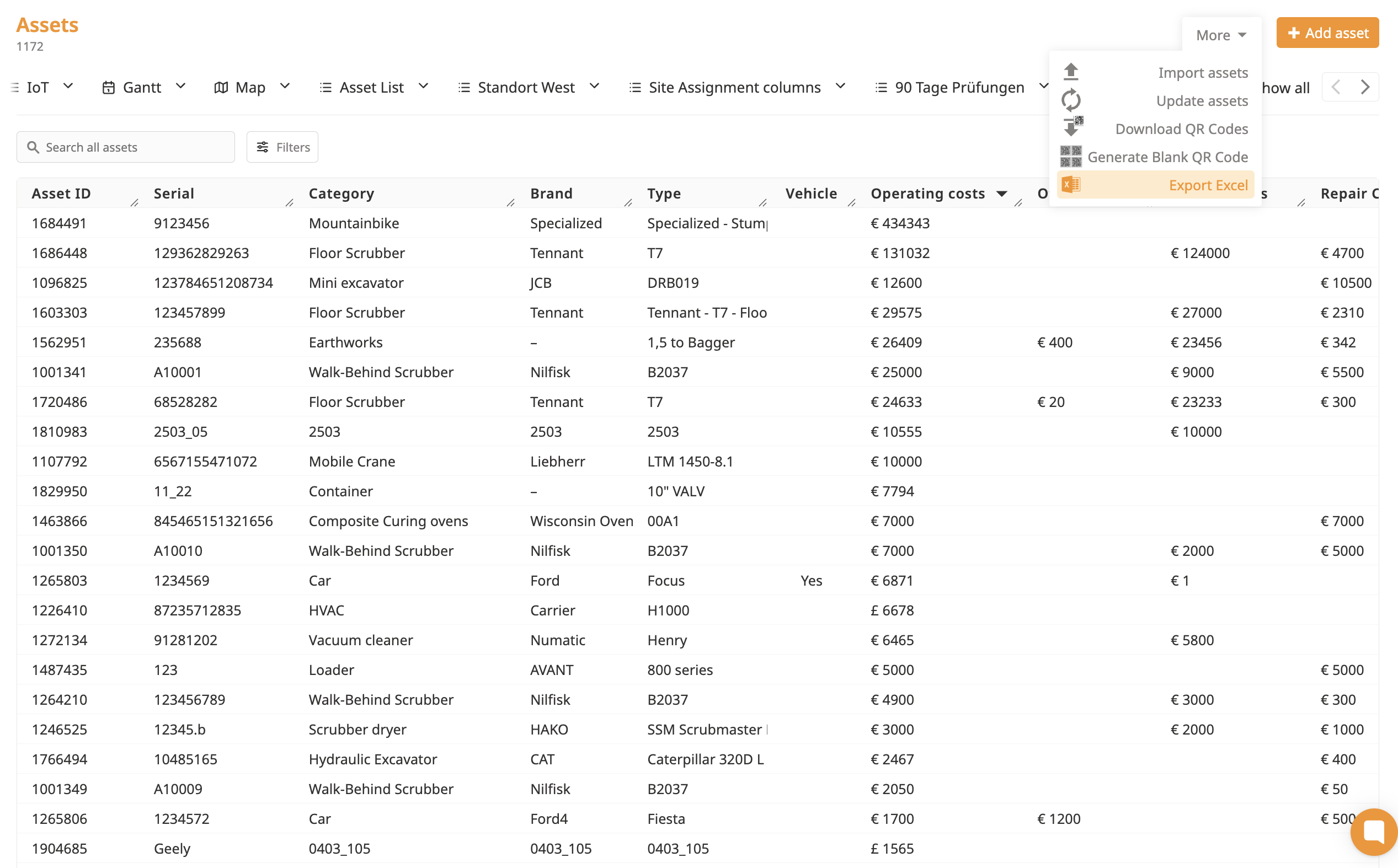
This enables you to analyse the different types of costs you have for your fleet (based on the type of machine or the manufacturer)

