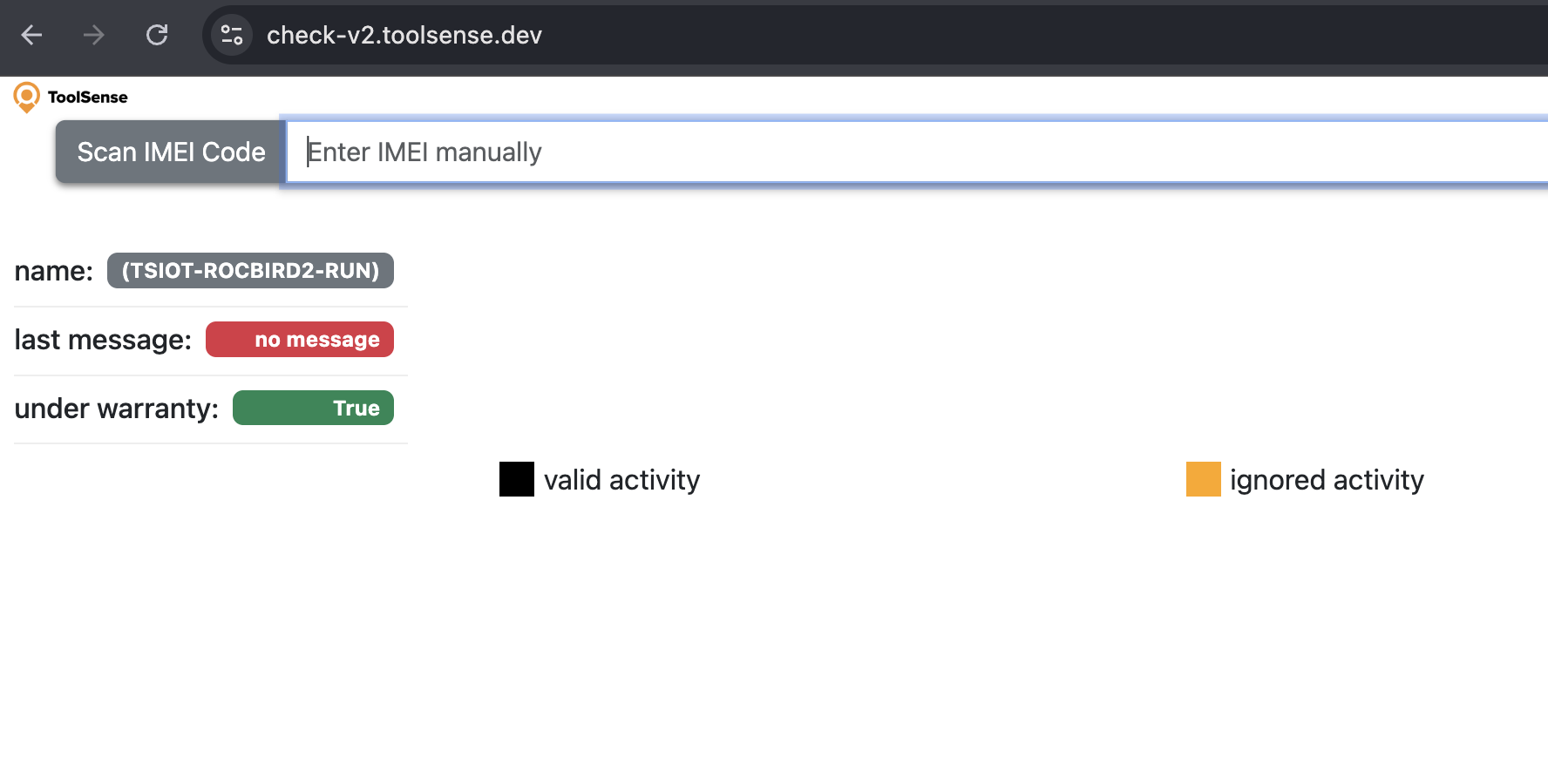
You installed an IoT module, but you aren't sure if it is installed properly.
Indeed, once an IMEI is entered into ToolSense, we need to wait an hour to receive Data and therefore, to see if the module was installed properly.
To make the process much easier and check immediately if the tracker is installed properly and it sends data, you can use the following web page:
https://check-v2.toolsense.dev/
Thanks to this tool, you can check if a device is actually working and when it sent data the last time.
How to use Check-V2 ?
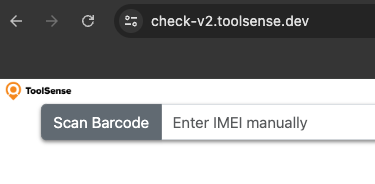
The process is very easy, you just need to know the IMEI number of the tracker you want to check or get access to its barcode.
You can find it on the outside of the enclosure in most cases.
After scanning the Barcode or entering the IMEI number, you have immediate access to some basic information about the tracker:
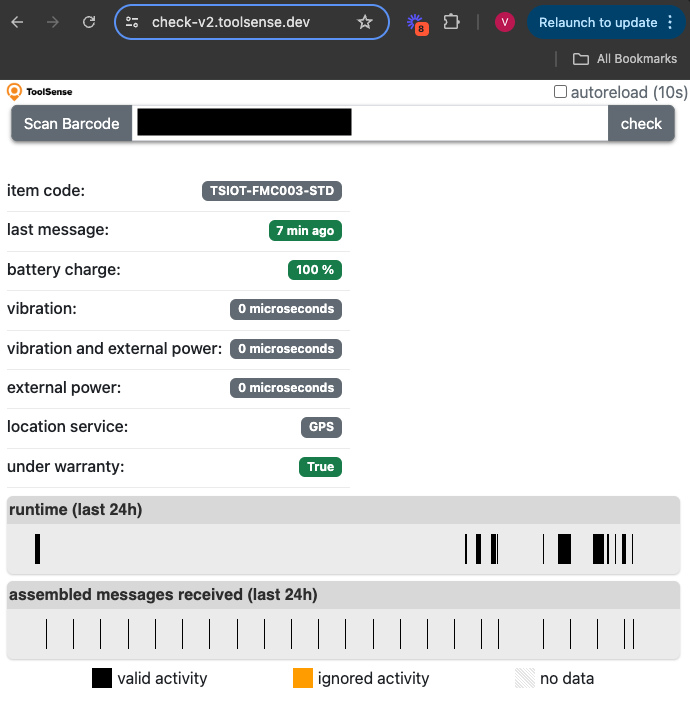
Last Message
The “Last Message” indicator shows whether the tracker has sent data recently.
If the data is green, the tracker has sent data within the last few hours => it’s fine.
If the last message appears orange or red, the tracker has not sent data for several days or weeks, which indicates a wiring / signal issue.
Battery Charge
The battery charge indicates whether the tracker has sufficient power to operate.
If the battery level is low, you need to either replace the tracker’s batteries or rewire the tracker, as it may not be receiving power from the machine it is connected to.
Runtime
Runtime is a very important parameter.
If the tracker is properly wired, you should see data populating the line below “Runtime.”
Black lines indicate when the machine was running.
After wiring a tracker, you should always test whether runtime is detected when the machine is switched on.
Input 2 and Input 3
Some trackers (for example, Blackbird) have additional inputs that can be connected to specific motors on the machine (such as brush or suction motors).
If these inputs are wired, you should verify here that the runtime of these motors is also being properly detected.
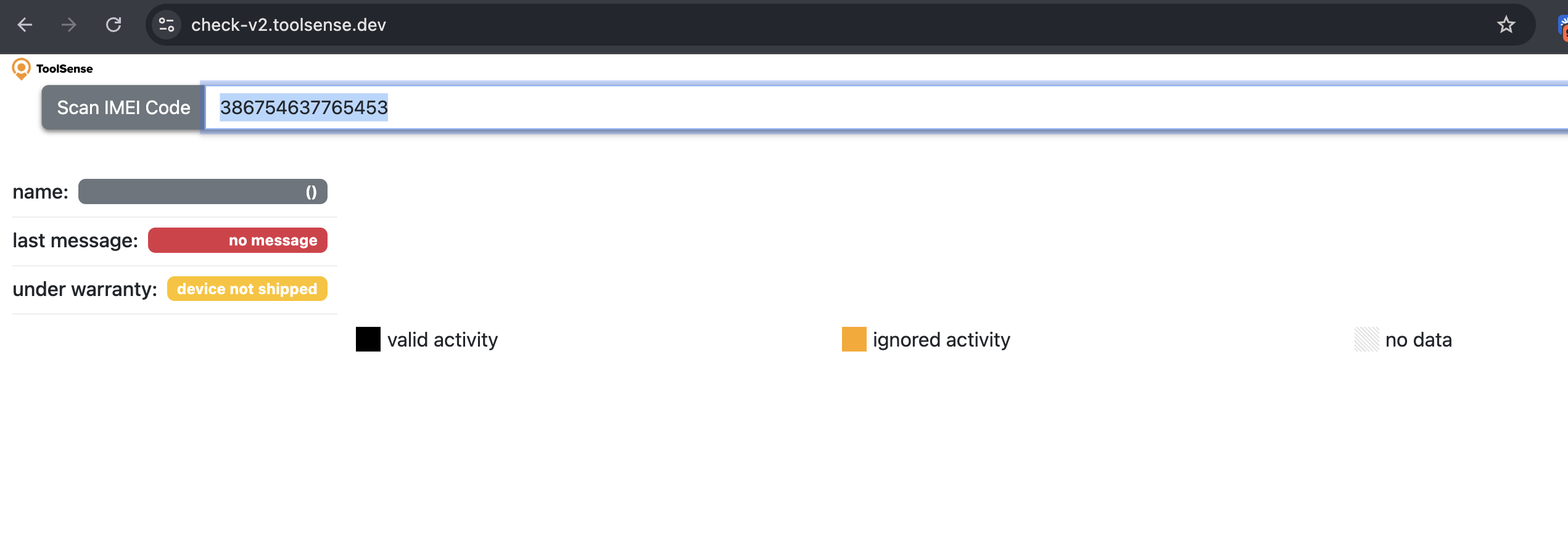
If you see the following screen (with no name for the tracker), it means that you entered a wrong IMEI :
If you see the following screen, the tracker never sent data, which means that the tracker is still not “on”. You should check again the indications provided to install this tracker.