Some vehicles transmit additional diagnostics data which can be picked up by the OBD trackers.
Having access to those parameters helps customers analyse driver behaviour and maintain their fleet.

Some information is only displayed on the Asset overview page, while some are accessible in the Data tab.
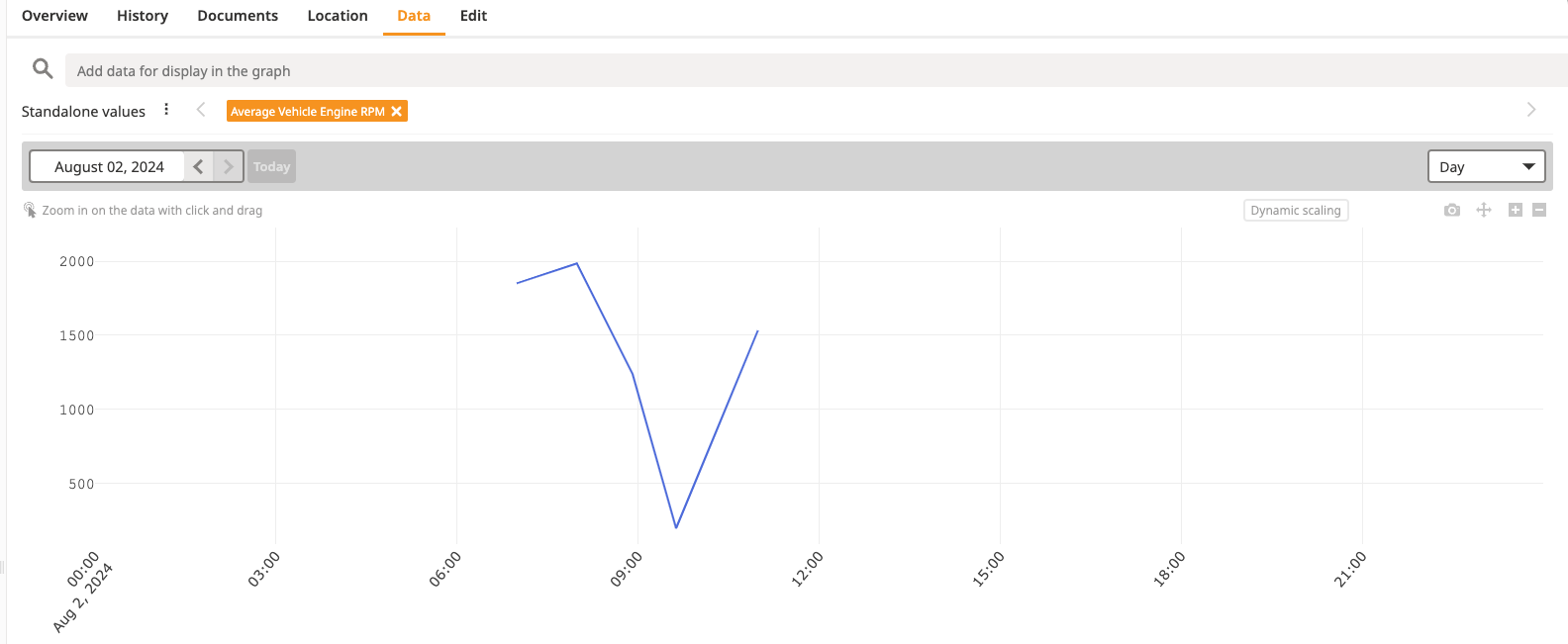
While the former usually shows an indication of a state or event, the latter provides a graphical display of minimum, maximum and average values.
The following parameters can be displayed on the Asset overview page:
number of error codes
error codes
fuel type
distance travelled since error codes were cleared
distance travelled with check engine lamp on (MIL)
time travelled with check engine lamp on (MIL)


The following parameters can be display in the Data tab:
ambient temperature
engine coolant temperature
engine load level
engine oil temperature
engine RPM
fuel consumption [l/h]
Vehicles supporting this set of parameters can display fuel related information in the following formats:
percentage [%]
volume [liters]
