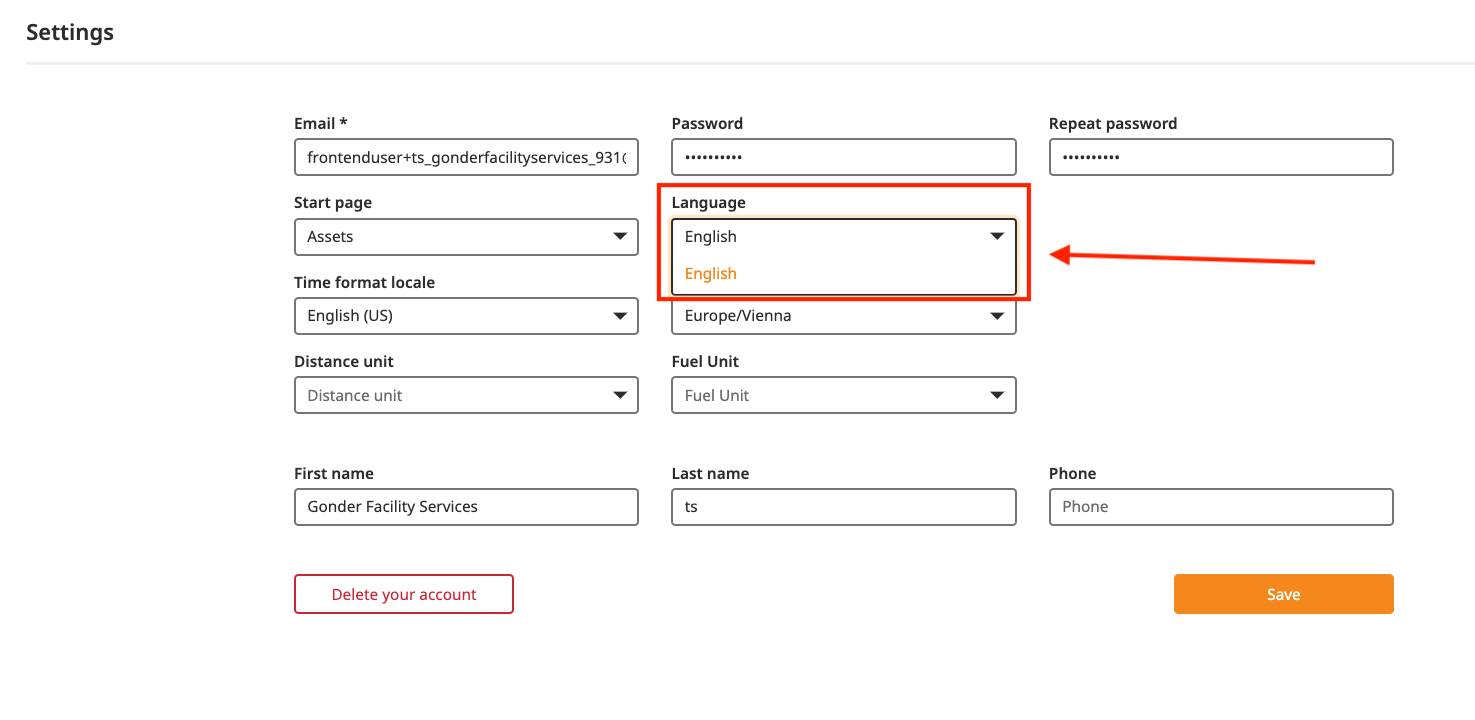
Go to "Settings" in the bottom-left corner of your screen
Select the language of your choice and click on "Save"
In the top-right corner of your screen, you should be able to see a Dropdown button with the possibility to select other languages.
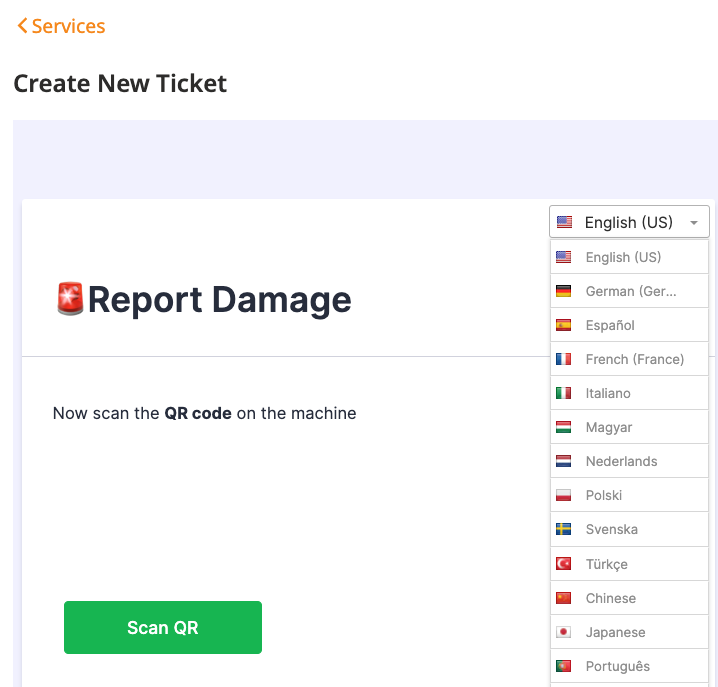
If this Dropdown doesn't appear, it means that this form hasn't been translated yet. Then, you need to ask ToolSense if a specific language translation should be added to the form.
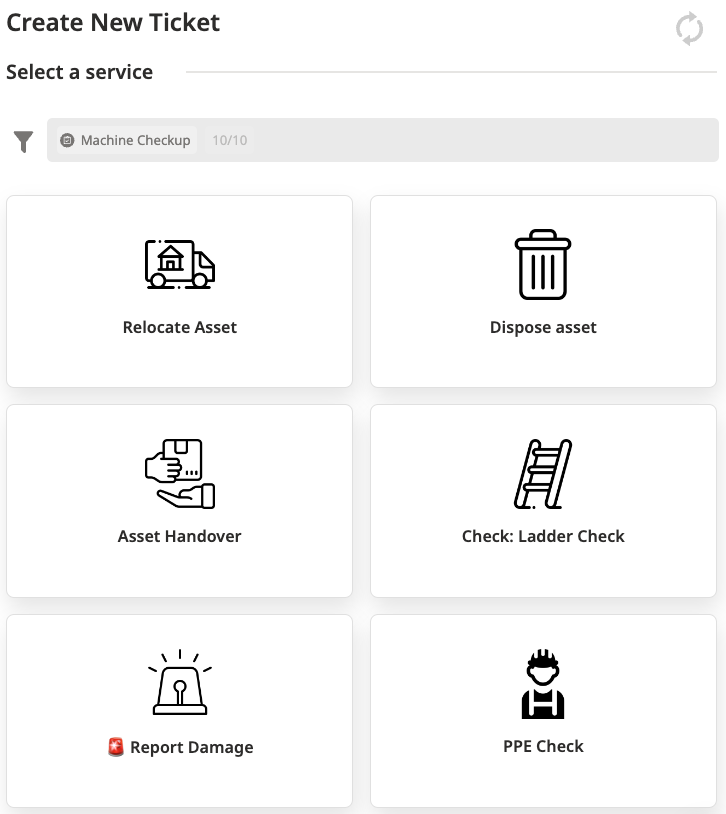
All Services are added in the Service Packages settings on the bottom-left corner of your ToolSense account.
Select the Service Package used in the Group for which you want to add a translation + click on the Edit button of the Service you want to translate the title.
A new page "Update Service" is then displayed.
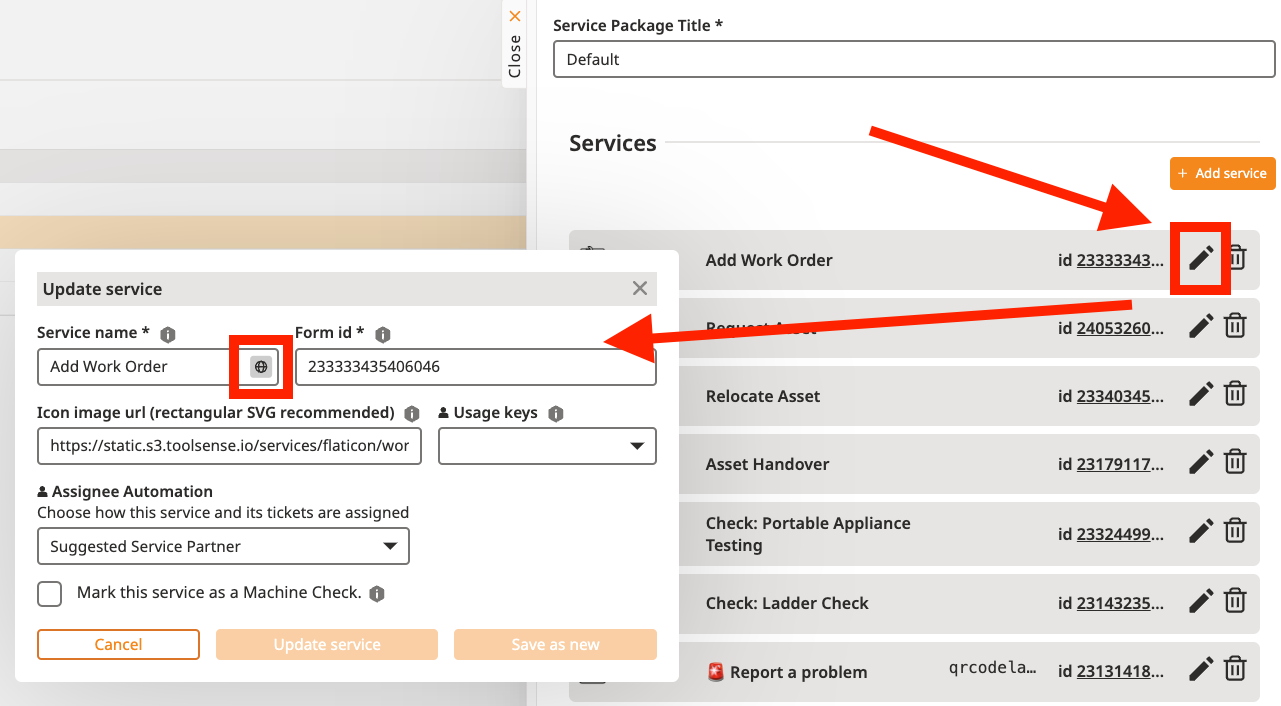
You can click on the small Globe and select the language you would like to use for the Service title in the ticket creation page.
If a translation already exists, you can change it. If the translation is empty, you can fill it.
Finish by clicking on "update service".
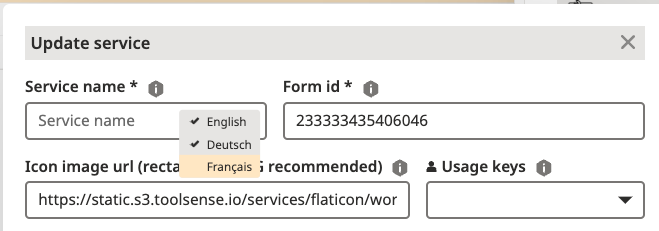
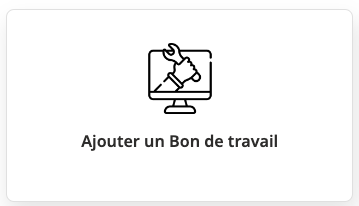
Once you added a translation to the Form tittle, whenever the platform will be set to this language, (described at the top of this article), you will see the title of the form translated in this specific title (example in French).