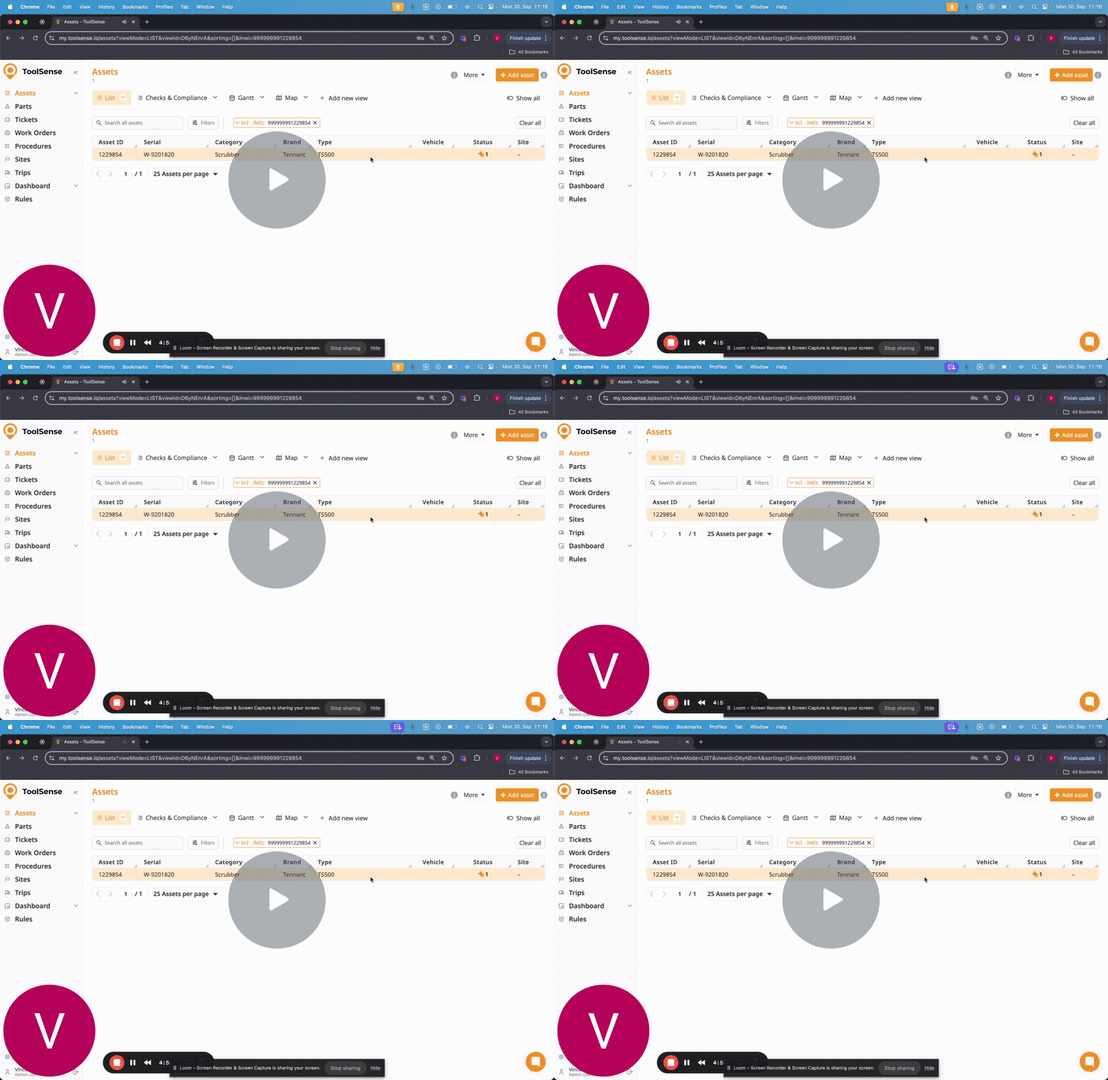
You received your IoT module, you installed it and you put the IMEI number in your Asset page on ToolSense.
You have the possibility to track the runtime of this machine, but at the moment, you miss a couple of data:
Total utilization
Battery percentage
Total work done
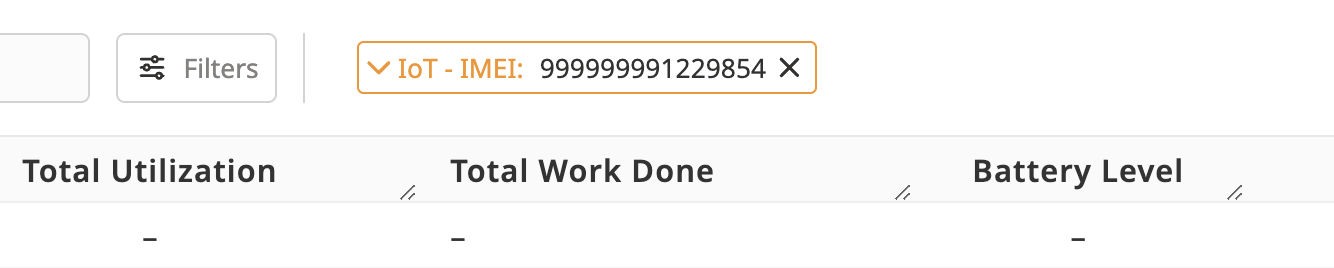
No worries, this is a simple action you need to set up in your account for each asset type likely to be equipped with an IoT module.
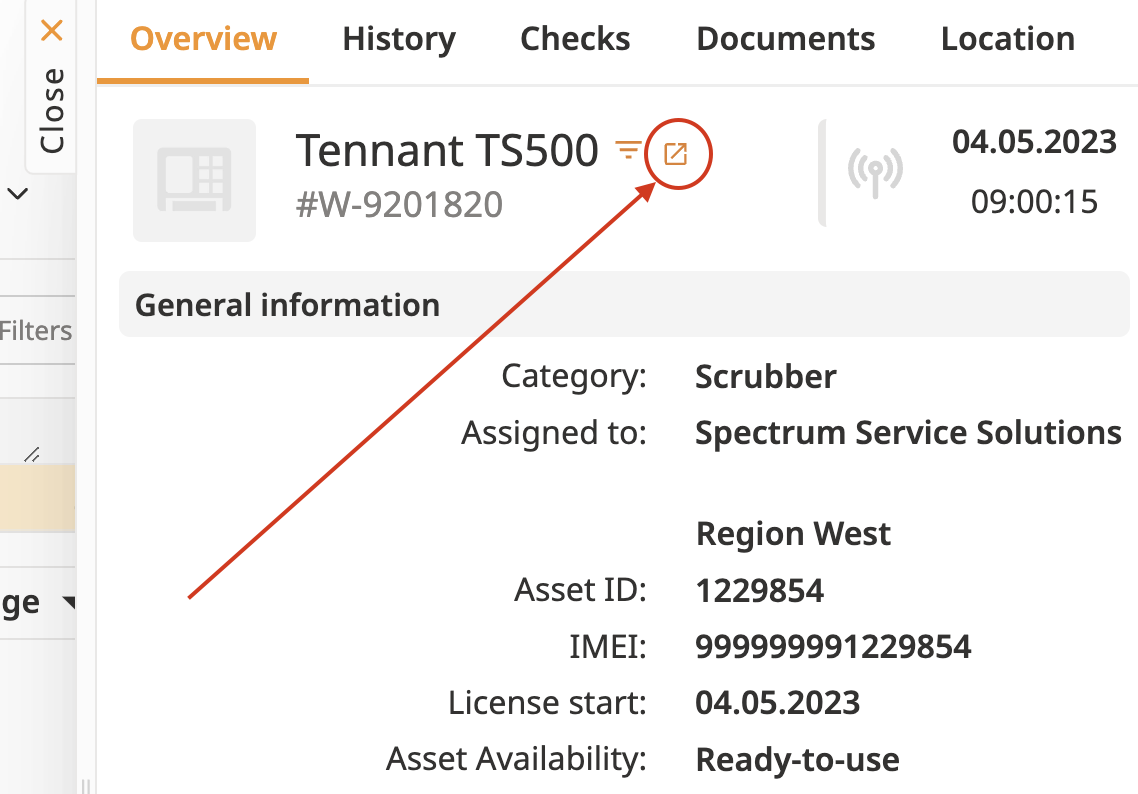
Therefore, go to your asset types & select an asset type to set up or, from the asset overview, click on the arrow leading to this asset type settings.
Once you are in the asset type settings, you need to fill the following settings of your machine:
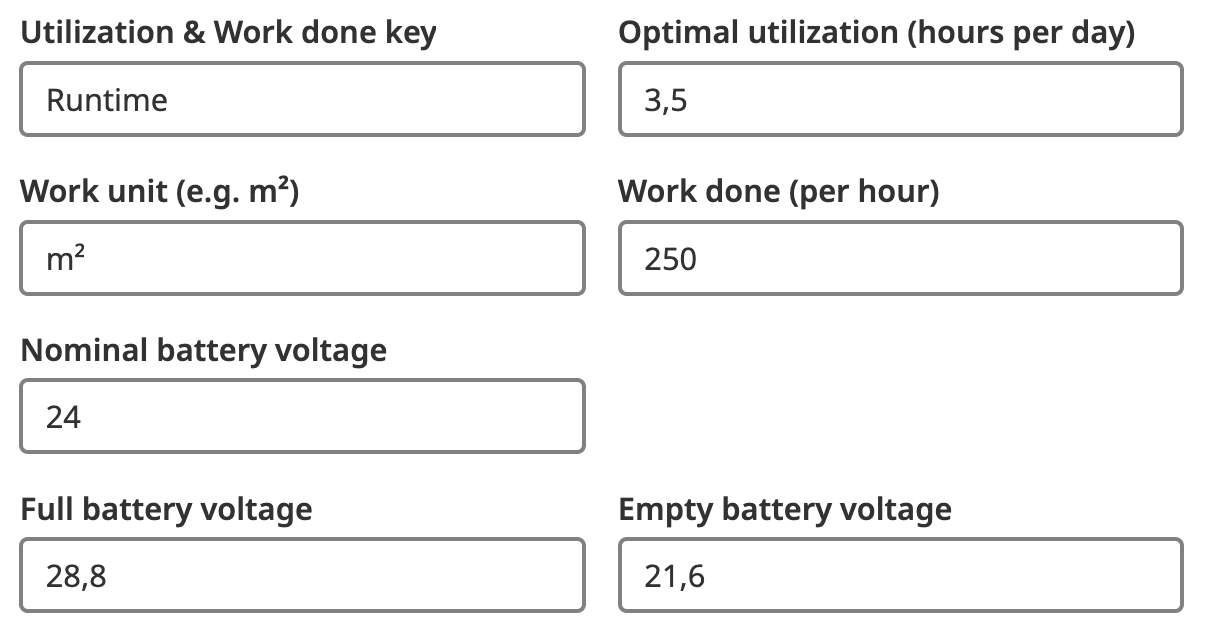
Once these data are filled in, the IoT data should appear for the Asset:
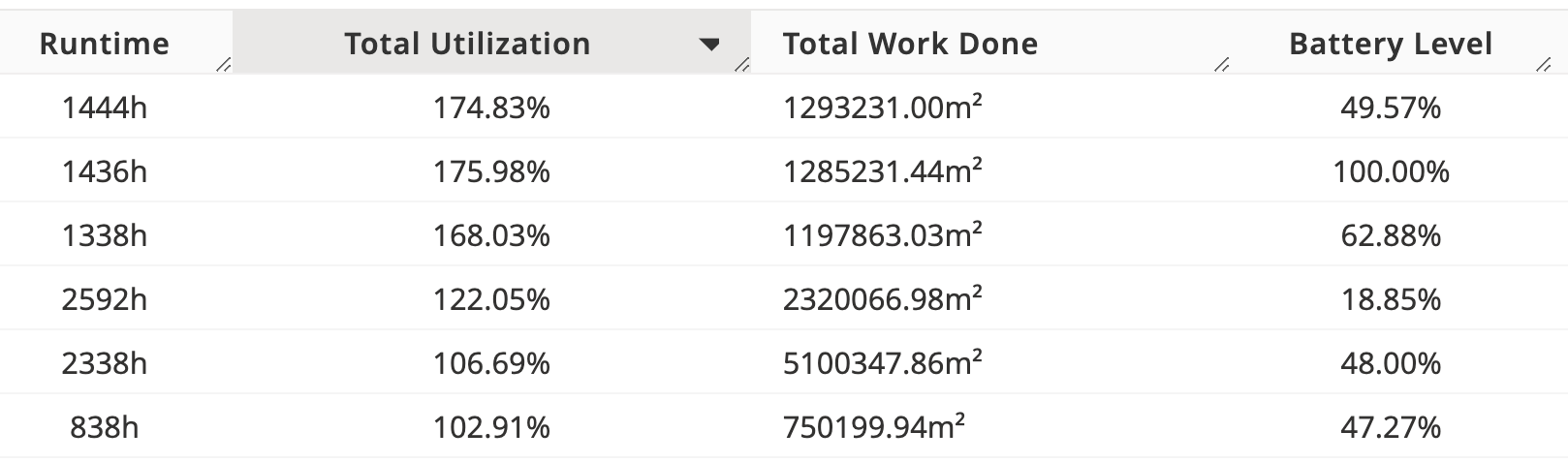
If this process is still not 100% clear to you, I recorded the following video to show you how to set this up:
Setting Up Asset Information for IoT Module 💡 - Watch Video