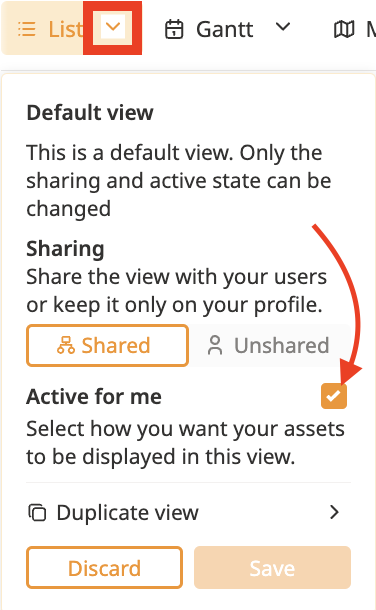
While it's not possible to change the original shared view, you can create a duplicate and adjust it to your needs. Here's how:
Click on the Arrow next to the view you want to duplicate to open the view’s edit page.
Click on Duplicate view.
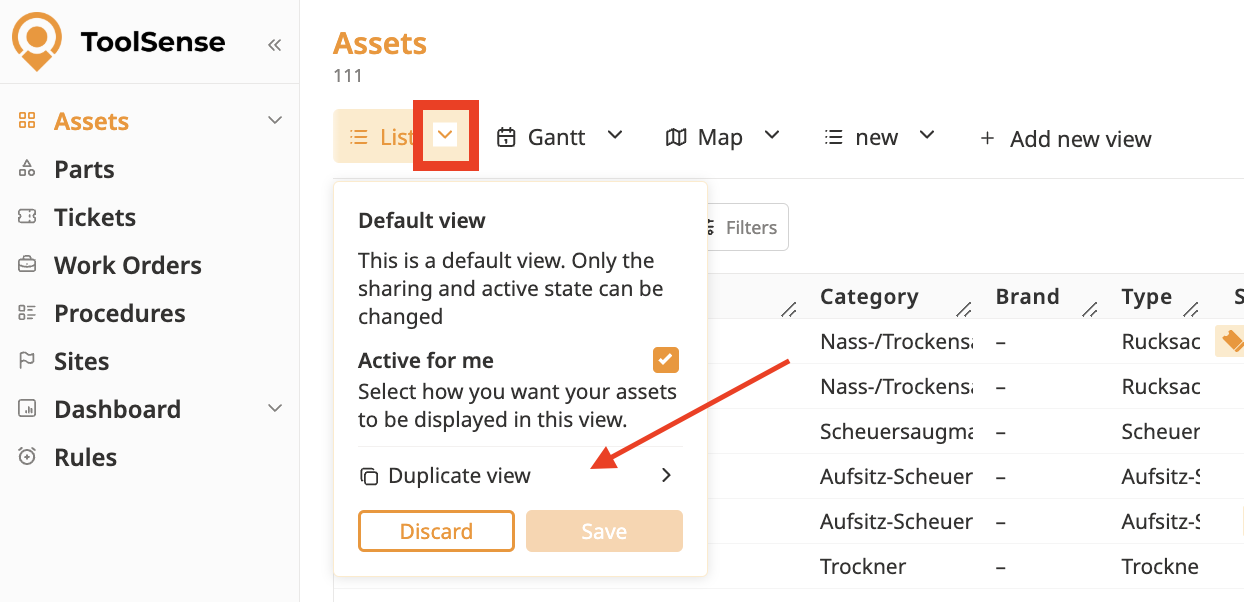
Make your desired changes (e.g., reorder columns, add additional filters, etc.). For more information on managing columns, refer to the article below:
How To Manage Column Visibility in A View
Hide or Unhide Columns in one of your Views
Rename the view to your preferred name.
Click Save in the view pop-up to save your customized view.
Click on the shared view that you cannot edit.
Uncheck the "Active for me" checkbox.
Click Save to hide the original shared view.