Asset Documents allow you to store, share, and manage files or links related to your assets. Examples include manuals, inspection reports, service records, or images.
Documents can be visible internally or shared with customer/OEM groups, depending on your visibility settings.
All asset documents are stored in the asset’s Documents tab and can optionally be shown on the QR Code Landing Page.
There are two main types:

Created by the system and marked as Type Ticket.
Every ticket linked to an asset automatically generates a document containing the ticket protocol.
These cannot be edited or deleted to ensure full documentation.
Only visible for ToolSense Users.
Checks
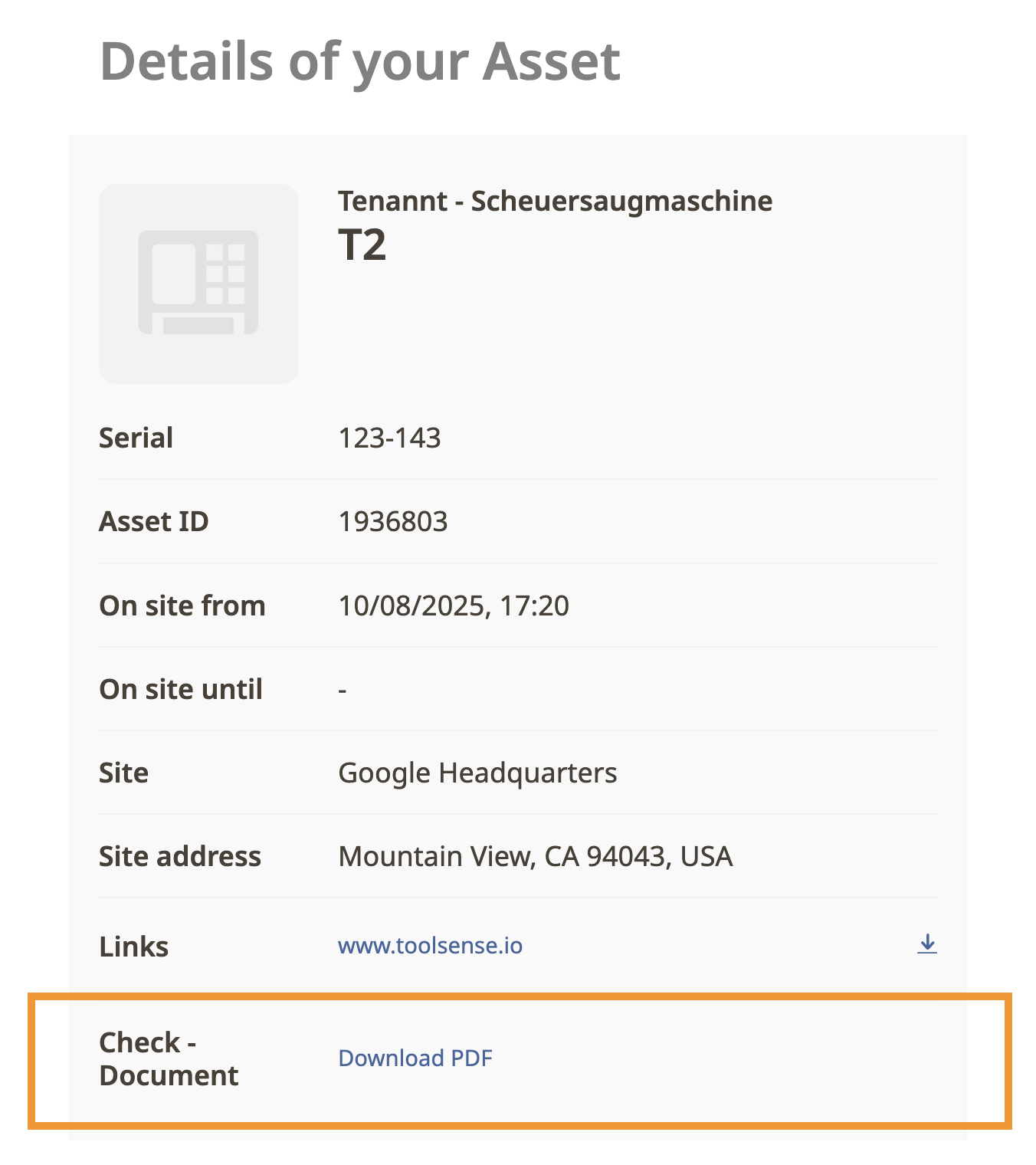
The protocol from the most recent check performed on an asset is automatically linked to its QR Code Landing Page, where it can be downloaded.
Files or links uploaded by a user, such as manuals, inspection records, service reports, or images. These can be edited or deleted at any time.

Types of manually added documents:
Documents - Uploaded files (e.g., images, PDFs, or other supported formats).
Links - A URL to an external webpage. Selecting the link will redirect the user to that page.
Each document displays the following details:
Name: Document title
Type: File type or category
Customer Icon: Shows customer group access -  Green = customer has access,
  Red = customer does not have access.
Size: File size
Created: Upload date and time
Available Actions: Download, edit, or delete
Click on a document to download and open it.
For links, click to open or right-click and select Open in new tab.
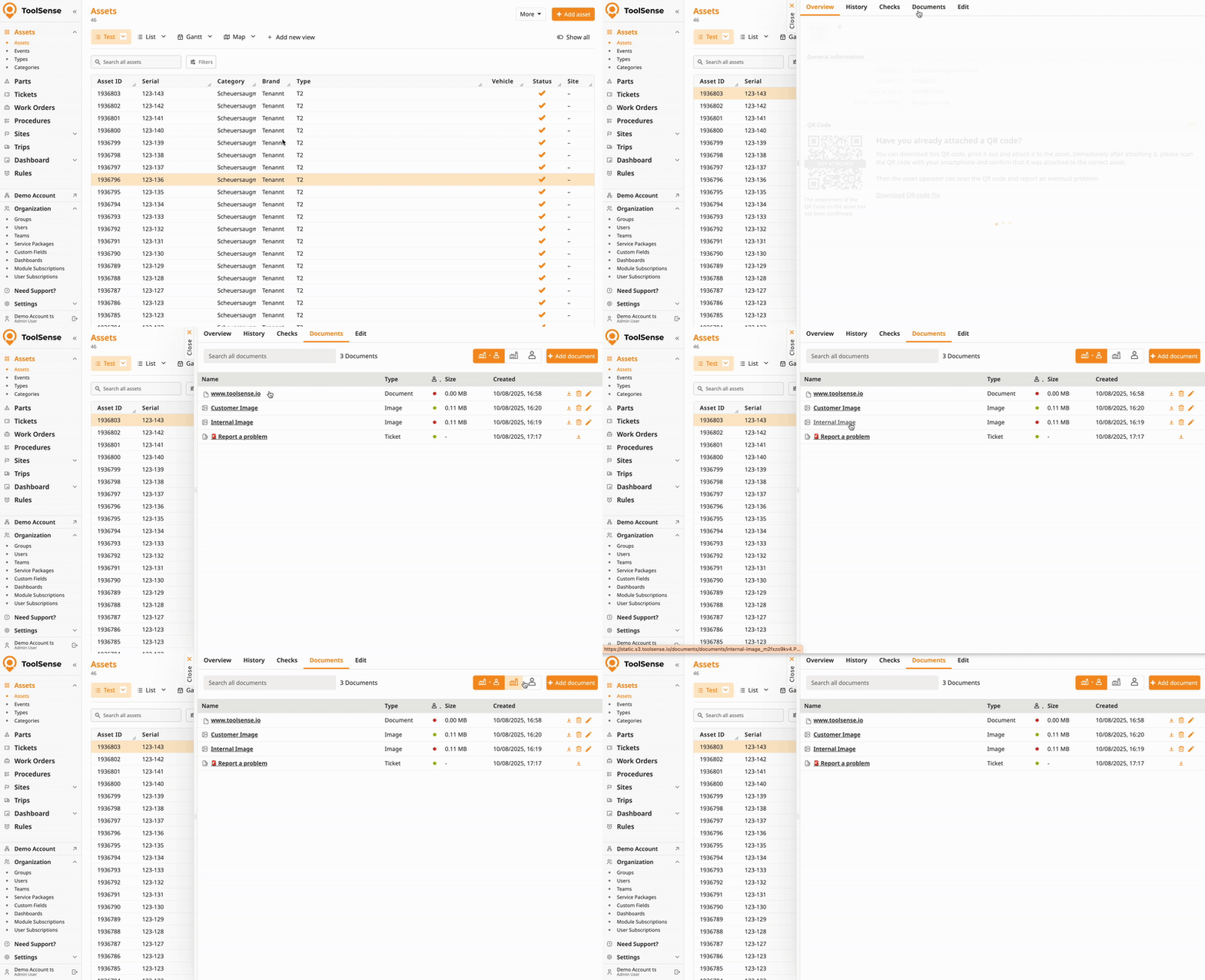
If a document’s visibility toggle is enabled, it will be available for download via the QR Code Landing Page. For more information on enabling the visibility toggle, refer to the linked article below.
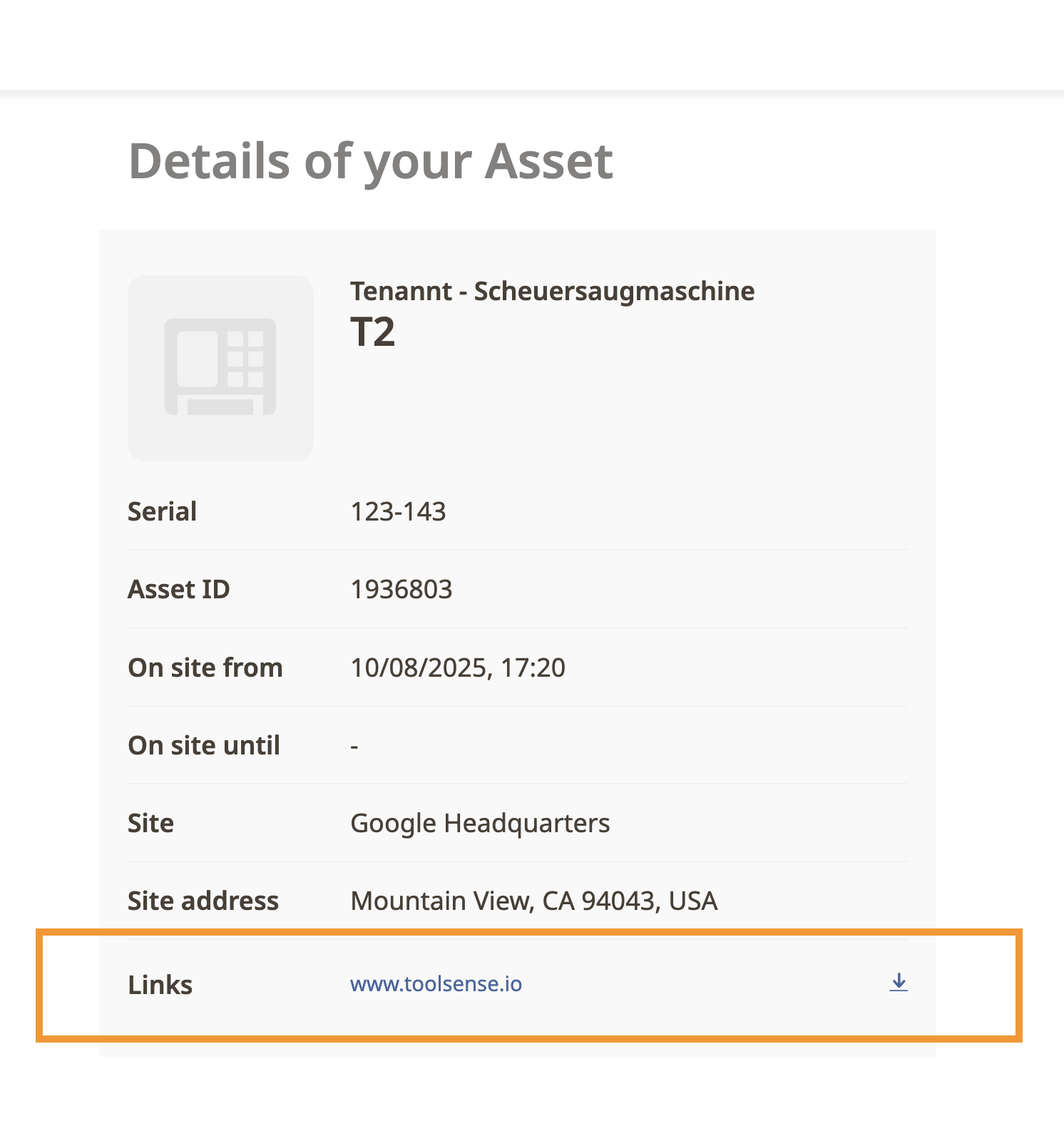
 Tip: You can bulk upload links to your assets. Contact our Support team to arrange this.
For a step-by-step guide on adding, updating and deleting documents, refer to the article below.
How To Add, Edit and Delete Documents and Links
All about managing asset document and link data.

