
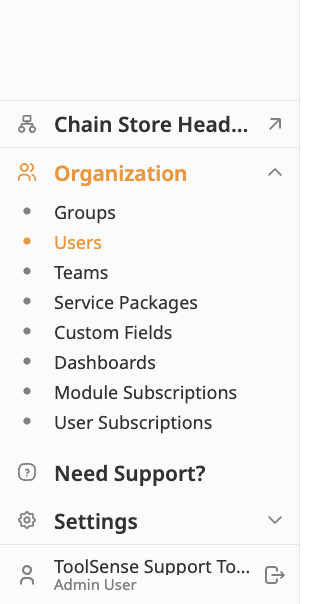
To manage your Users, open the Users menu below Organization, on the left side of your screen.
Click Add User on the top right corner of your screen and fill out all the details.
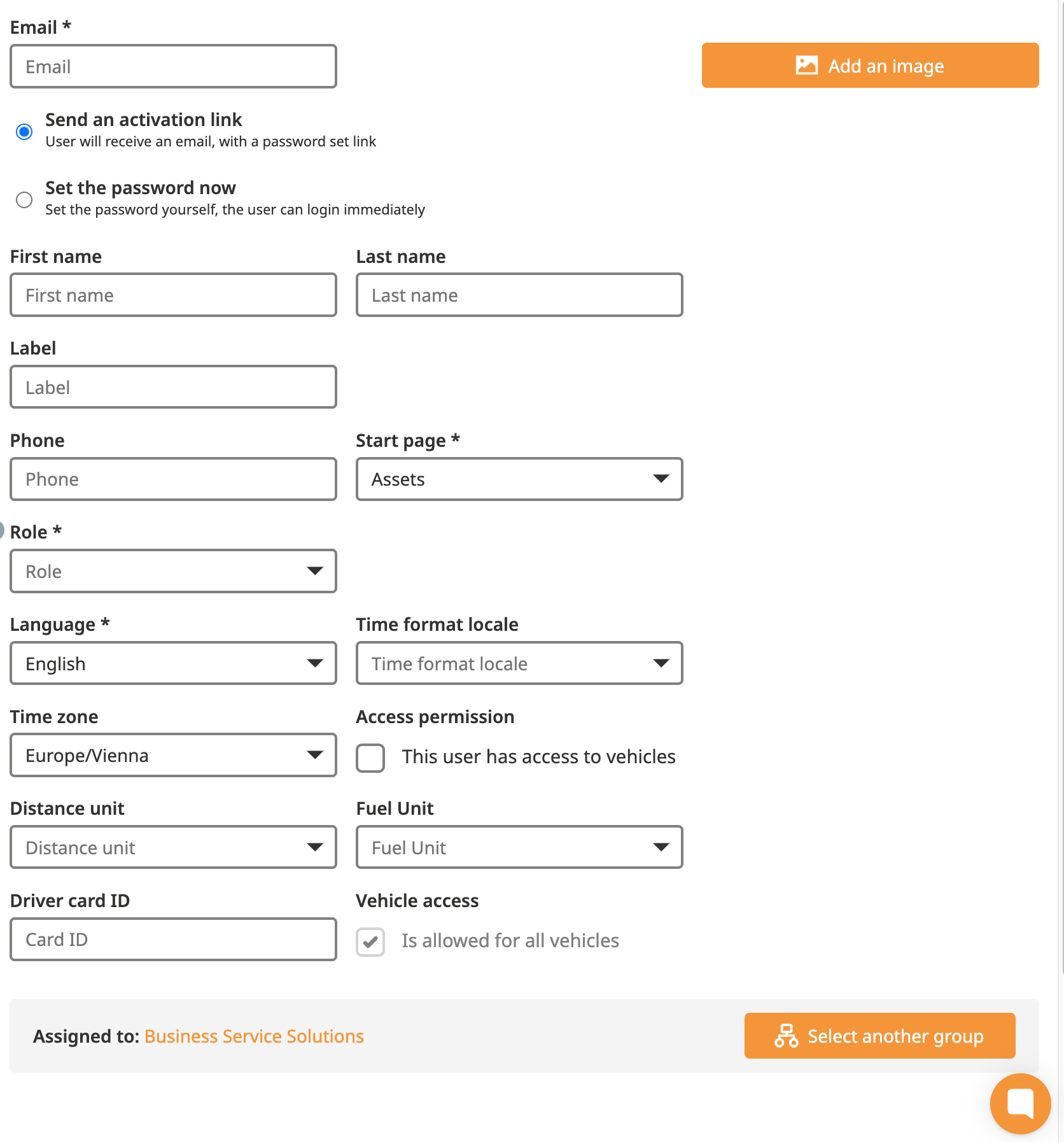
A mail address (you can use a fake mail address & set a password if necesarry)
Language
Start Page
User Role
Check out the link below to understand the capabilities of each user role:
What are the capabilities of each user role?
Explanation of each user role and its rights in ToolSense

